Tutorial - Update PostgreSQL filters
Published 18 May 2026
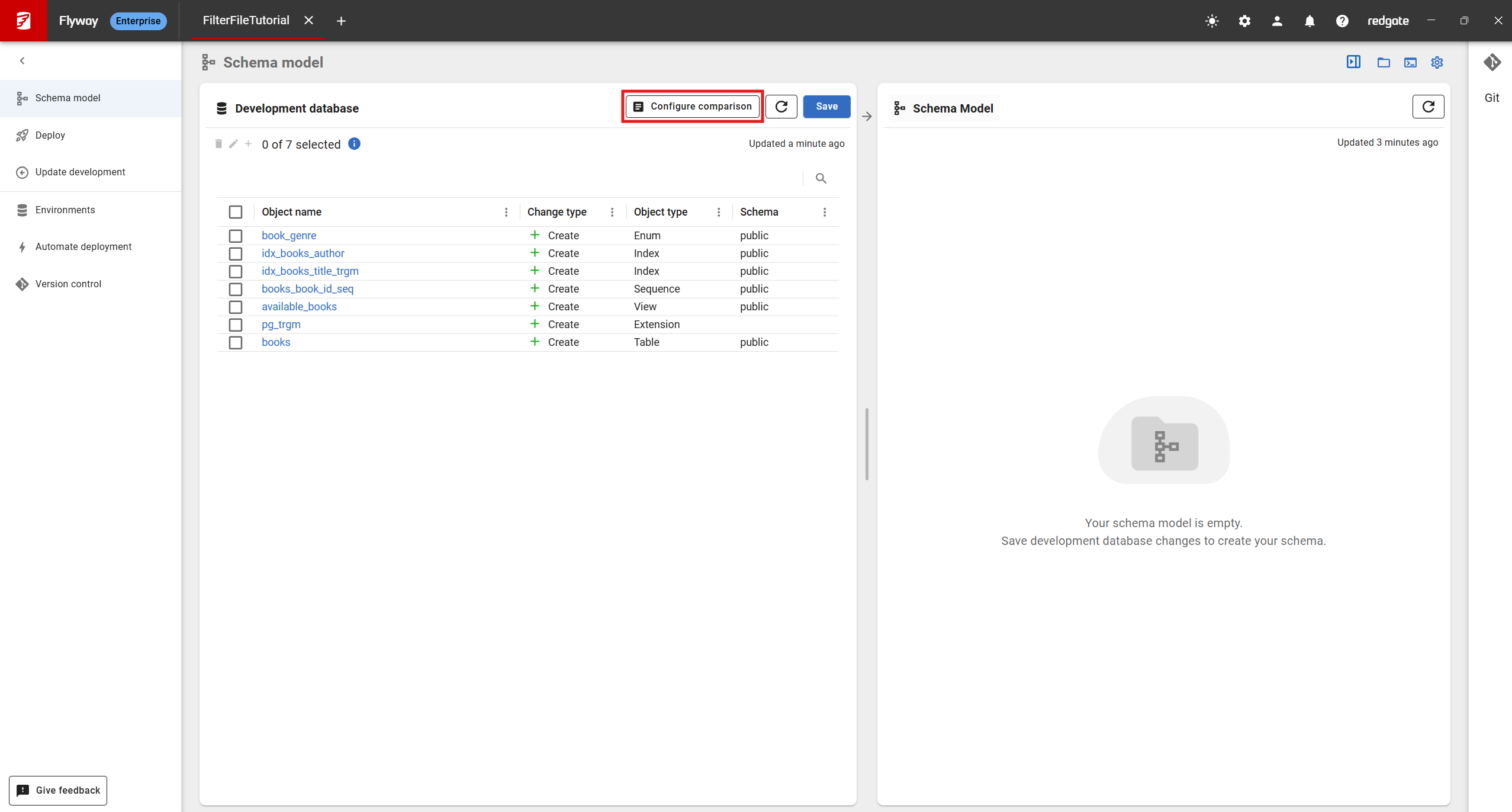
Opening the filter file configuration
- Launch Flyway Desktop
- Open a PostgreSQL project
- Navigate to the Schema Model page
- Click on "Configure Comparison"
- Click on "Filters" tab
Adding and Removing filter rules
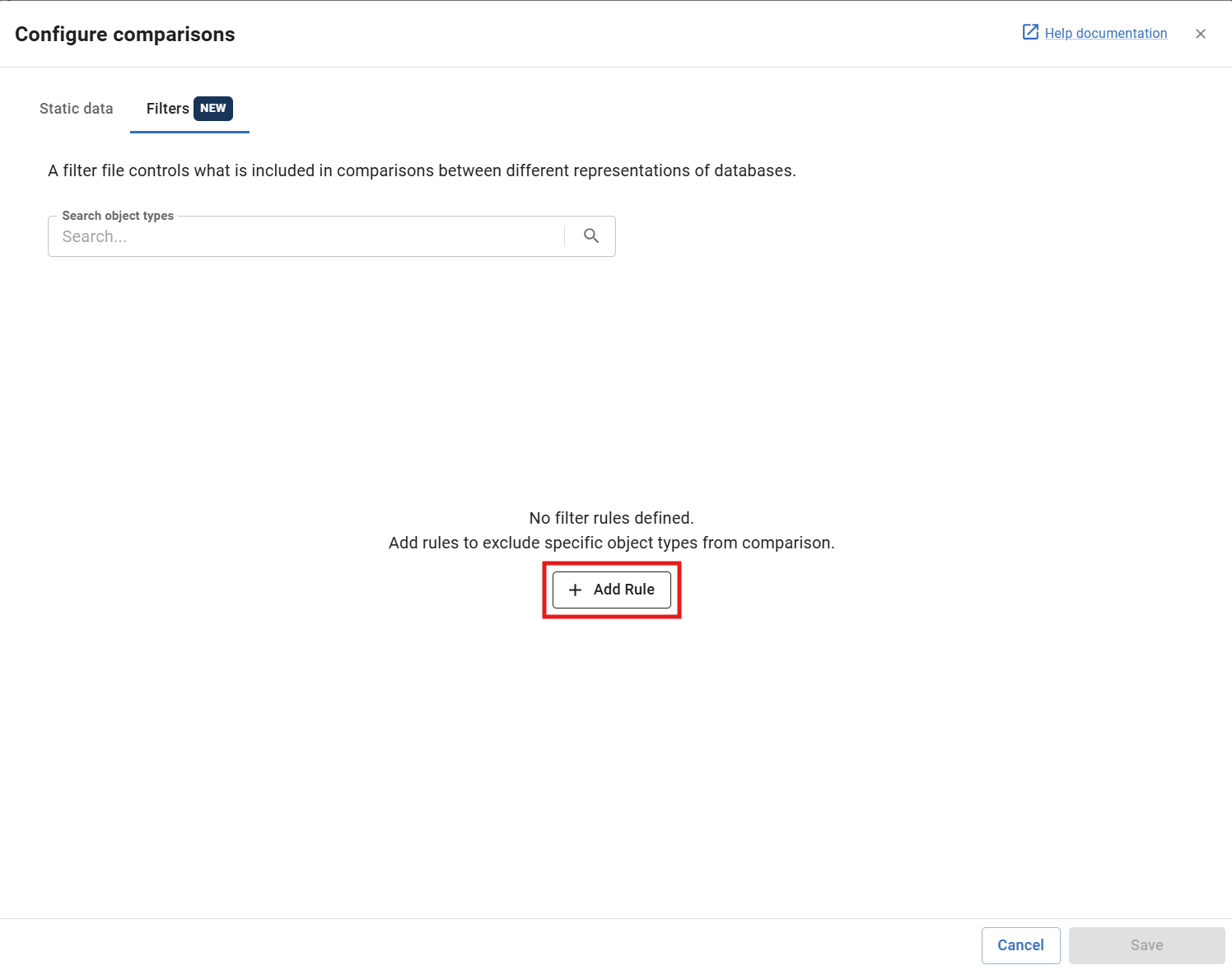
In the filter UI, you can filter PostgreSQL objects by object type e.g. (Table, View, Triggers, etc) by creating new filter rules.
- Start off by adding a new filter rule using the + Add rule button
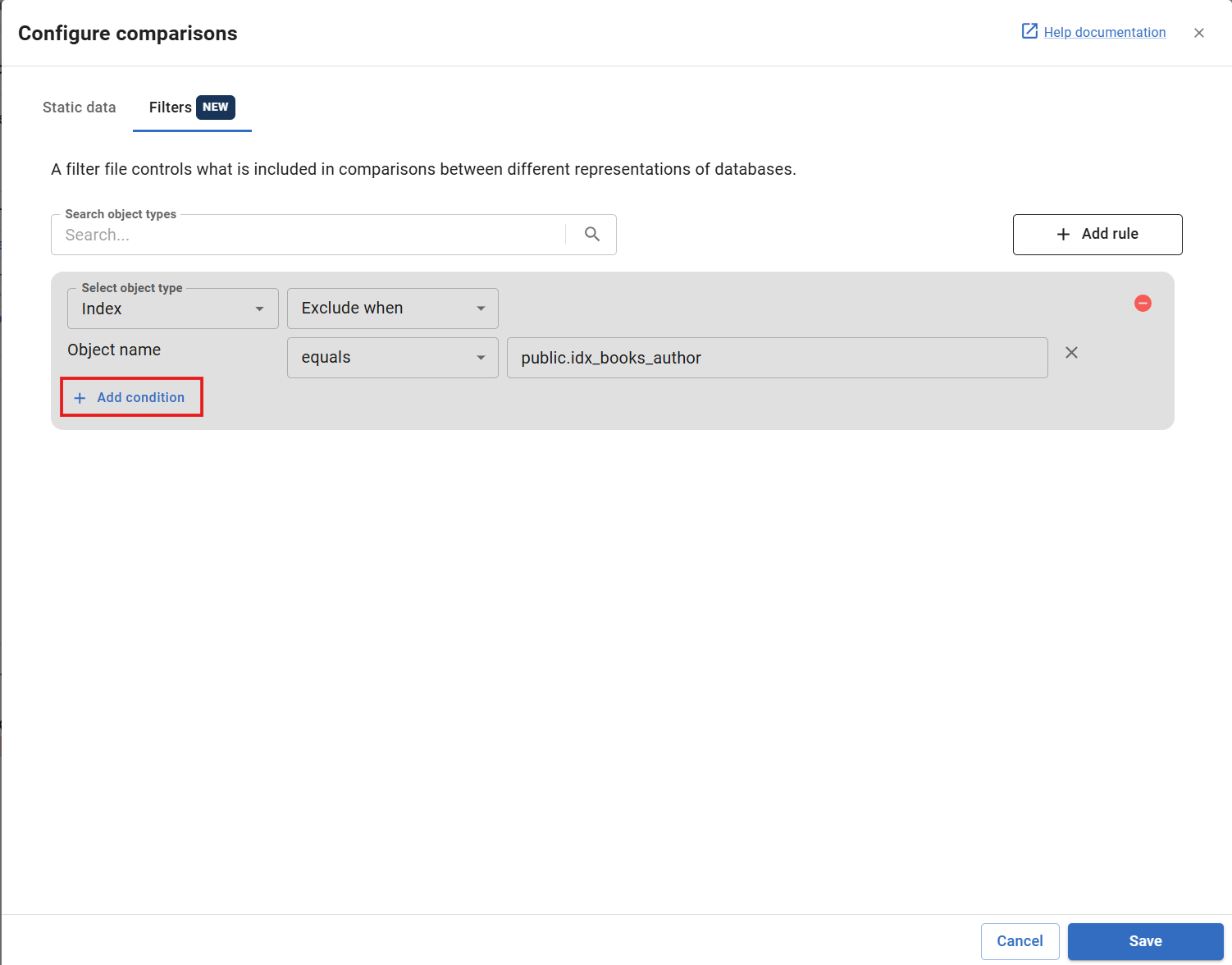
You can refine your filters by adding name conditions upon selecting "Exclude when" or "Include when". This allows you to filter objects by type and by name. Currently the supported name filters are "equals" and "contains".
To add name conditions you can:
- Click "Add condition" on the rule that you want to add name conditions for
2. Select the type of condition with the dropdown (equals or contains)
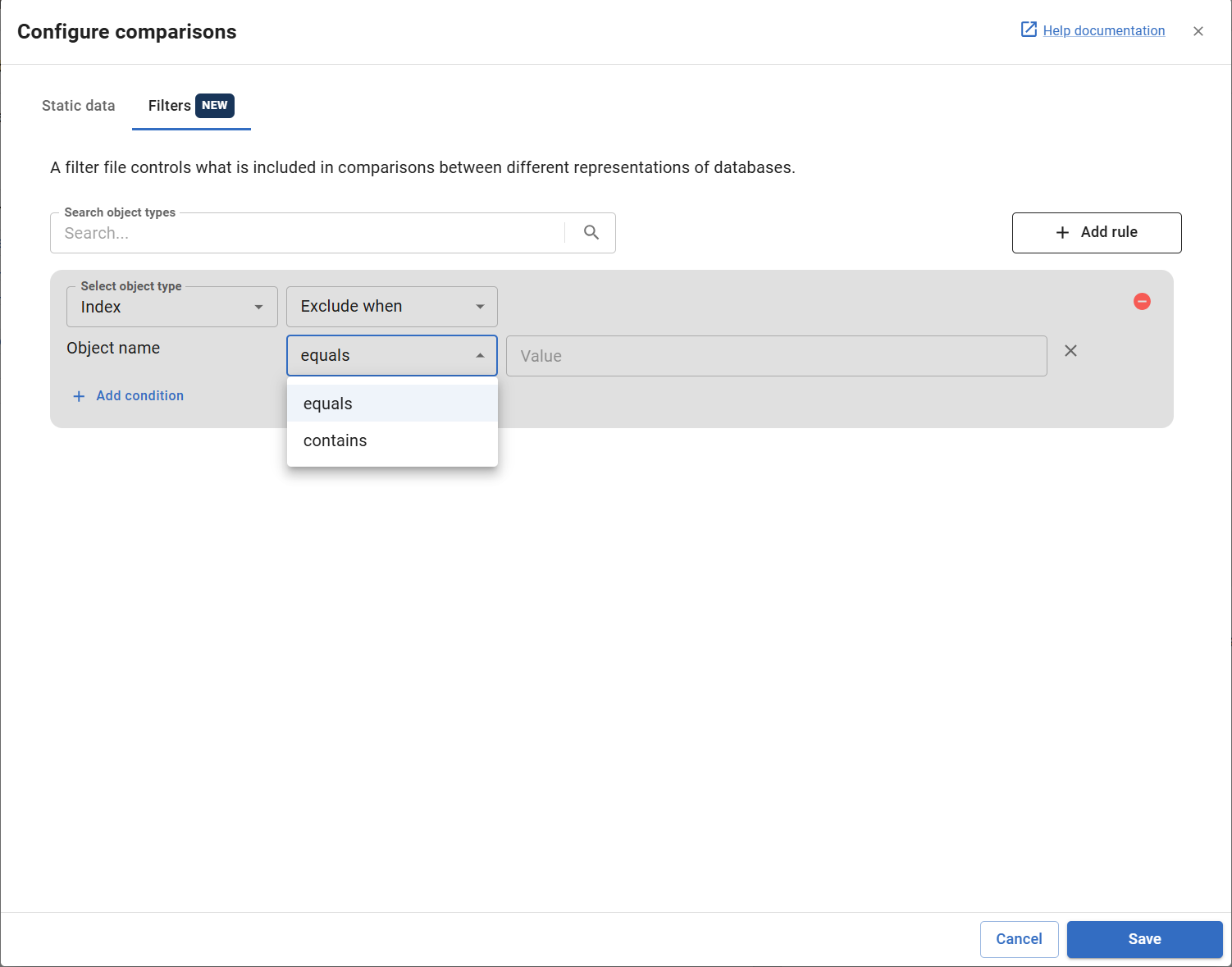
Note: With the equals condition, you need to use the fully-qualified name for the filter value (e.g. for a trigger this would be schema.table.trigger).

An info message will appear if you have incorrectly specified the fully-qualified name.
Manually editing the filter file
The filter file can be edited manually by making changes to the filter.rgf file. This is good if you have advanced use cases which the filter UI does not support, however it is not recommended while using the UI at the same time as changes could get overwritten.
If you do want to make edits to the filter file, see some examples here
Where to find the filter file?
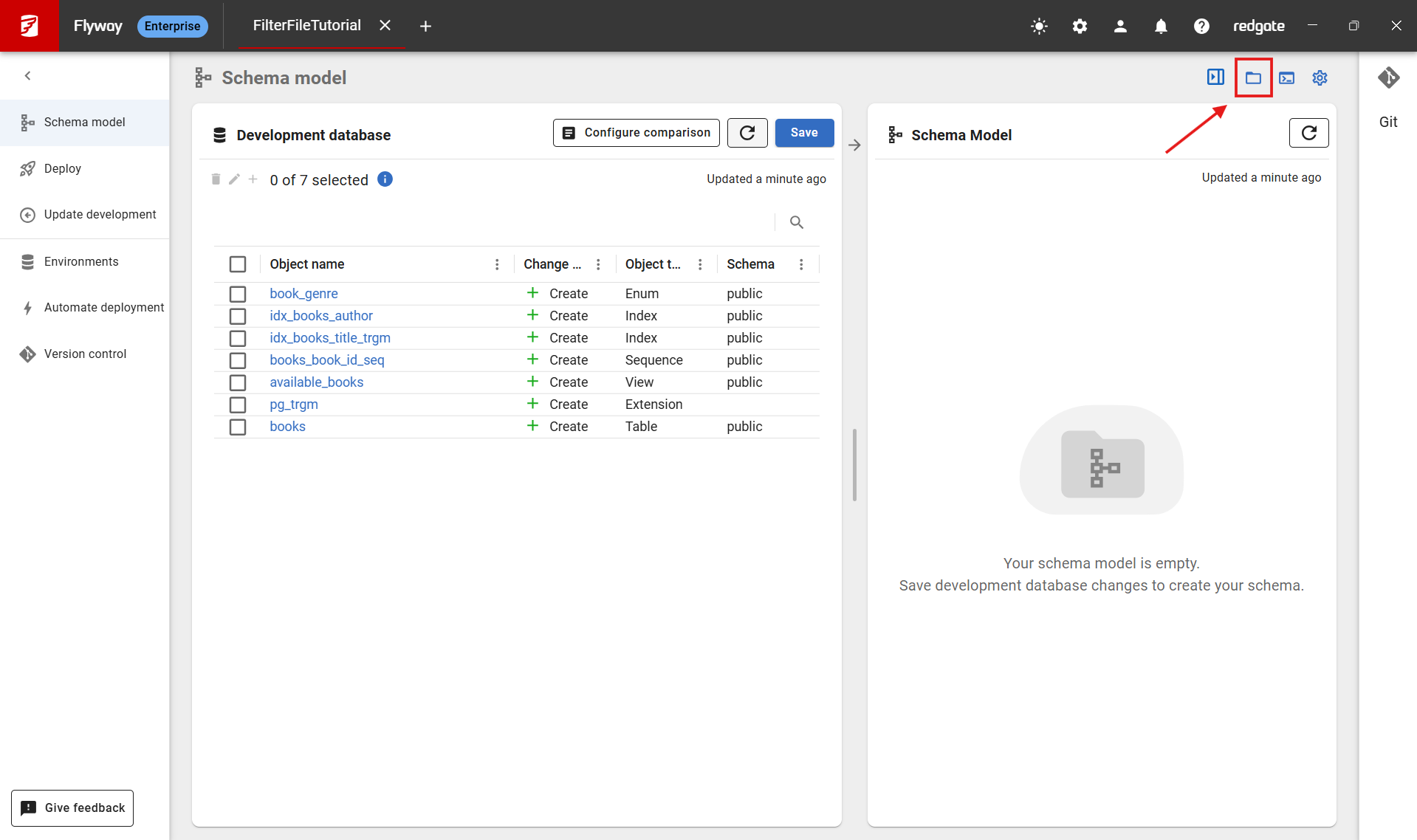
- Click on the folder icon on the schema model page
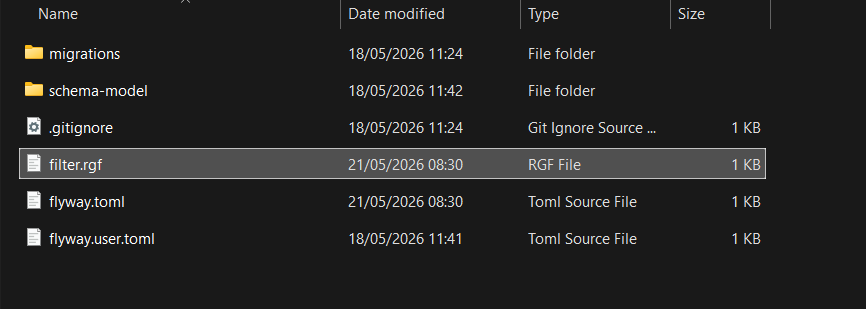
2. Locate filter.rgf in file explorer
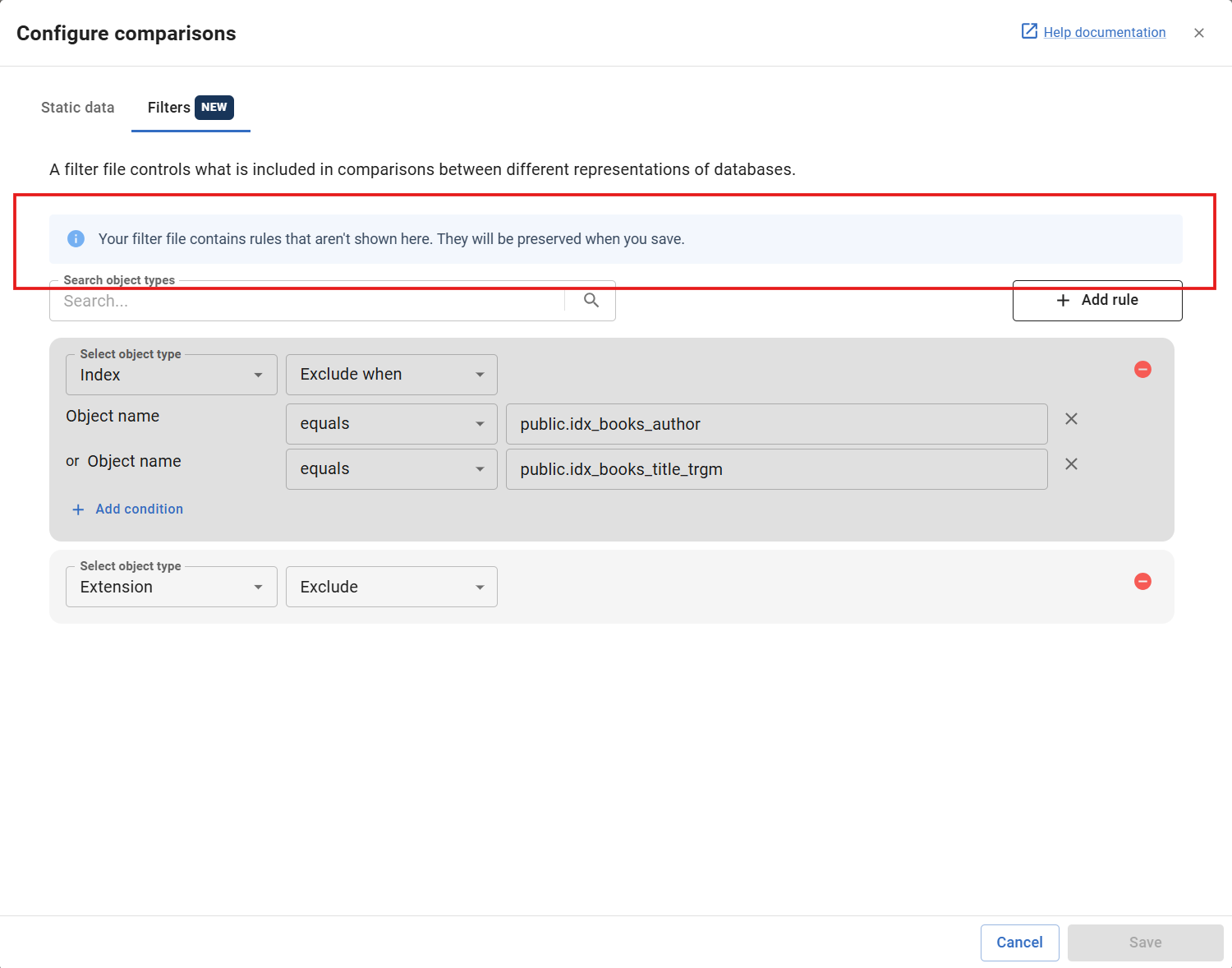
Unsupported rules in the filter UI
You may come across the "Your filter file contains rules that aren't shown here. They will be preserved when you save.". This is nothing to worry about: some rules in your filter file we cannot display in the UI, but they will continue to work and be preserved when you save changes.
You can edit the filter file filter.rgf in the root folder of your Flyway project in Notepad or another editor.
The file format uses JSONC, i.e. JSON syntax but comments are allowed. e.g.
{
    "version": "1.5",
    "postFilters":
    [
        {
            "filterBy": "objectType",
            "filterValue": "view",
            "effect": "exclude"
        }
    ]
}
See here for more filter examples.
This documentation contains proprietary information and is protected by copyright law.
Copyright © 2026 Red Gate Software Limited. All rights reserved


