Tutorial - Migrate dry run
Published 17 September 2025
Pre-requisites
- Ensure that Flyway is installed and available on your path
- Ensure that Flyway is authenticated to use enterprise features
- Ensure that any secrets necessary for database connection auth are available
Commands to run
Ensure the target environment is baselined, or skip this step and append -baselineOnMigrate=true to the command in the next step
If your target environment, here with id production, is defined in your toml configuration run the following
flyway migrate -environment=production -dryRunOutput=dryrun.sql
If you instead want to pass in the target connection information inline, instead run the following
flyway migrate -dryRunOutput=dryrun.sql "-url=<JDBC URL>"
Related command reference
- Navigate to the migrations tab
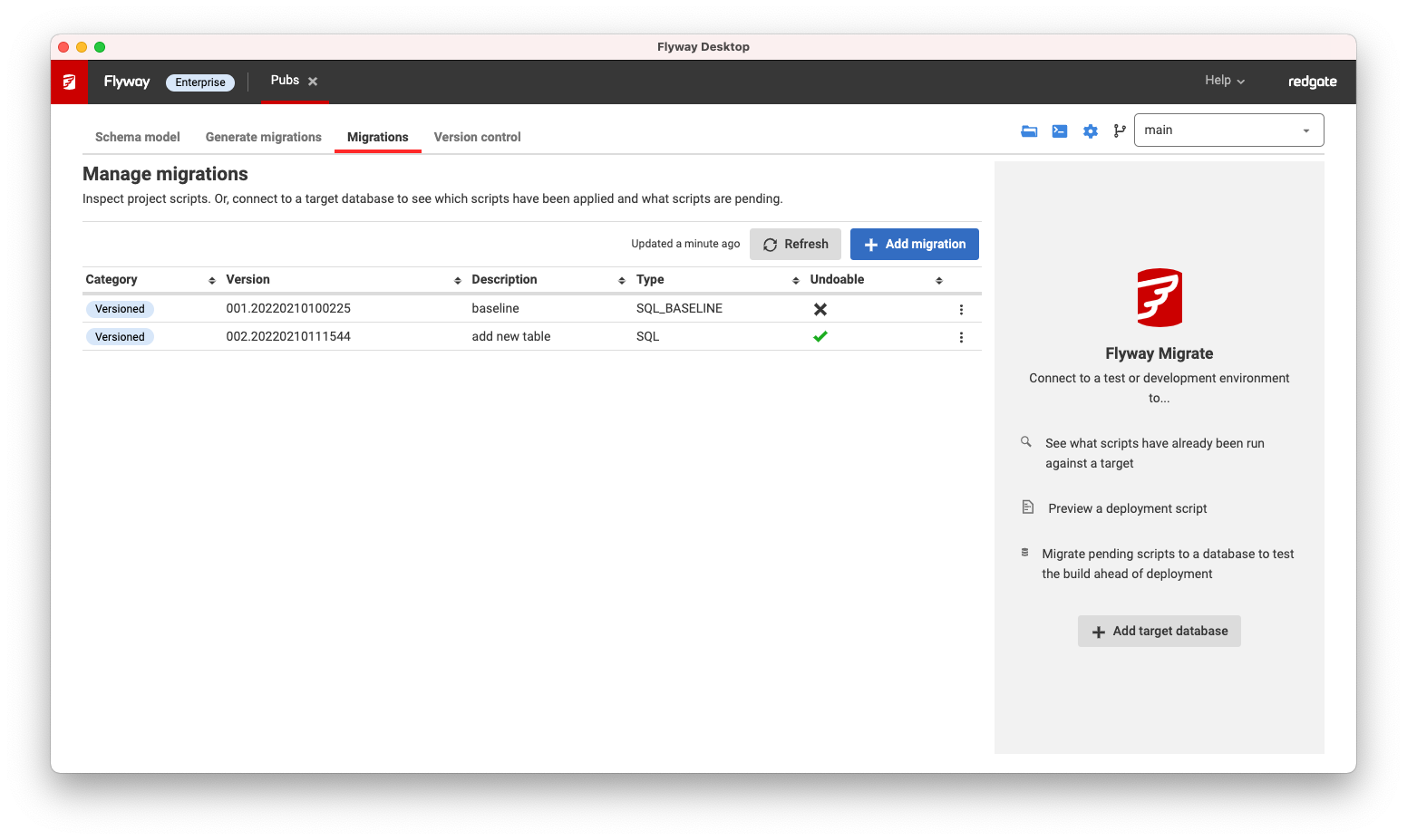
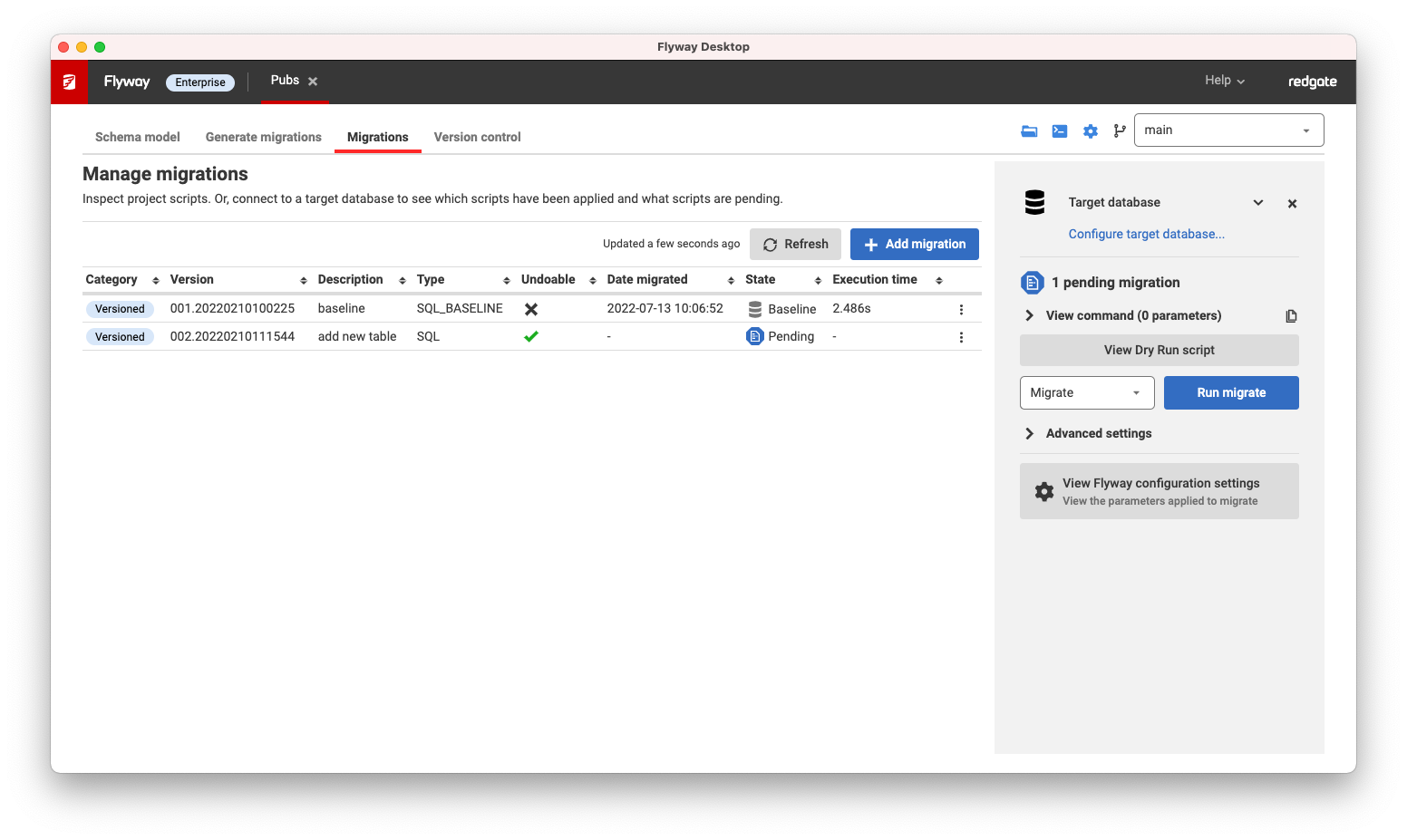
- Add a target database, to see exactly which scripts have been applied to that target, how long they took to execute, and what scripts are pending.
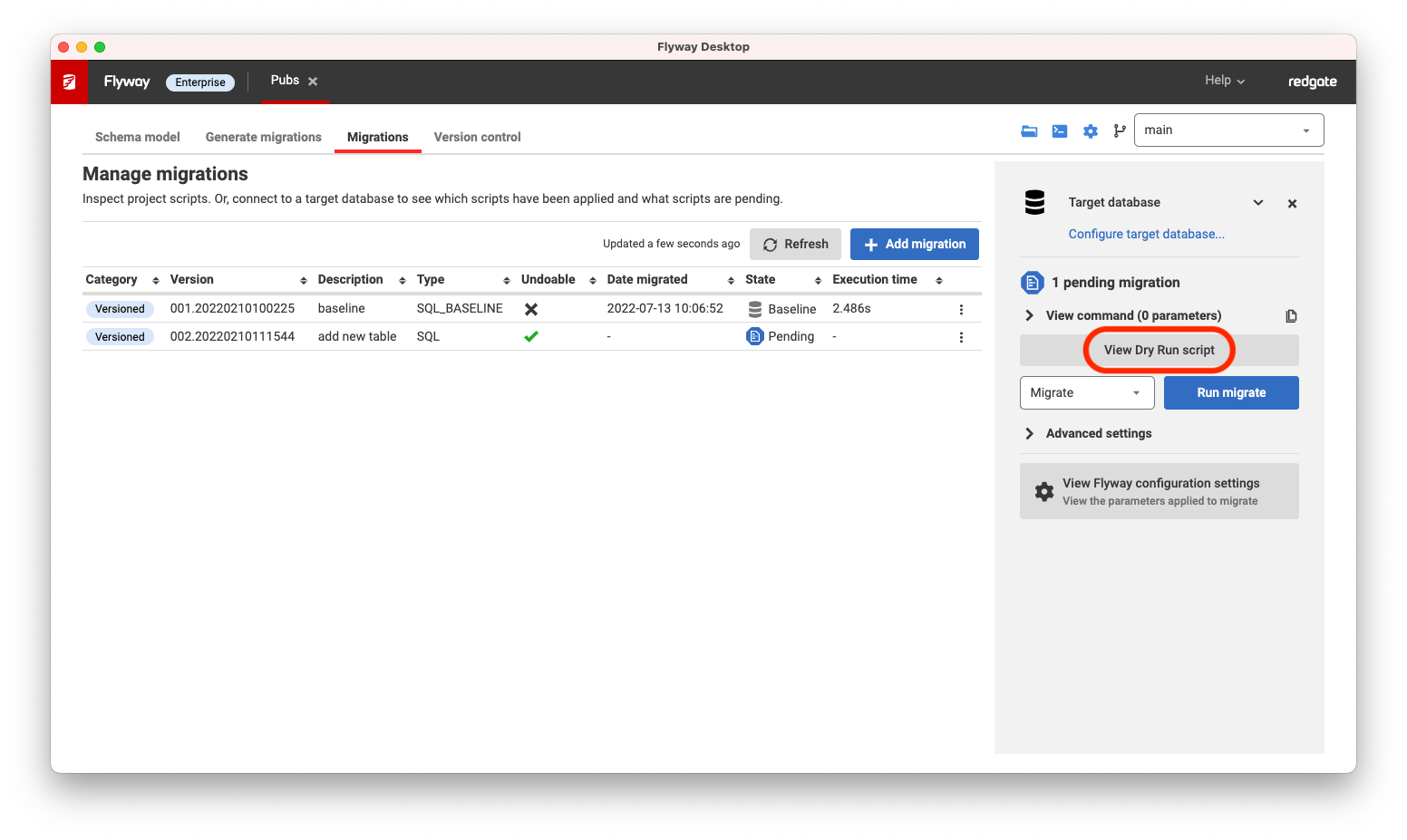
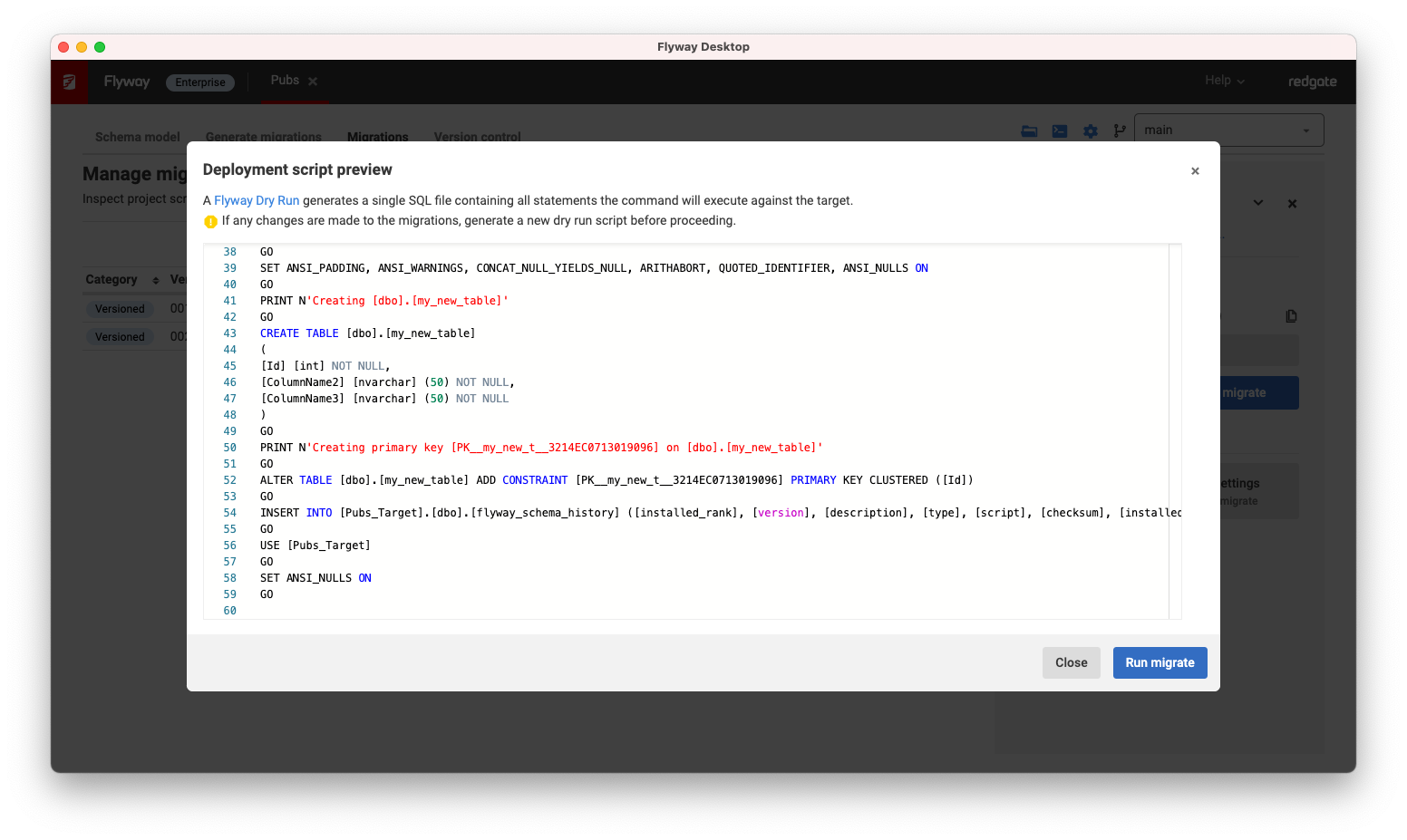
- Click View Dry Run script to see the exact deployment script, which concatenates all the pending scripts together, for that target database.
This documentation contains proprietary information and is protected by copyright law.
Copyright © 2026 Red Gate Software Limited. All rights reserved


