Converting a conf file to a TOML file
Published 03 July 2024
Flyway Pipelines is now Flyway Insights. Read our blog to find out more details. These documentation pages will be updated soon. You can access Flyway Insights and see sample data at https://flyway.redgate.com.
To use the Flyway Service, you will need to use a TOML configuration file instead of a legacy conf file. You can migrate your existing conf file with the following two options:
Flyway Desktop
- Download Flyway.
- Use Flyway Desktop to open existing project.
- Navigate and select your existing conf file.
- Select your database engine, if needed and click Import.
- Your conf file has been converted to the new TOML format with all of your existing configuration settings.
Flyway CLI
- Download Flyway.
- Use the init command to convert your conf file to the new TOML format.
Command
flyway init -init.fromType=conf -init.from="ProjectLocation" -init.projectName="<MyProjectName>" -init.databaseType="<MyDatabaseType>"
Example
flyway init -init.fromType=conf -init.from="C:\Users\username\Documents\GitHub\flyway.conf" -init.projectName="MyOracleProject" -init.databaseType="Oracle"
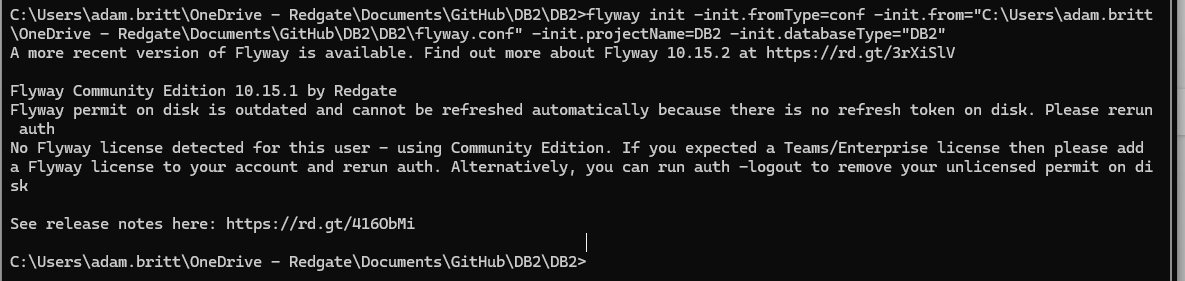
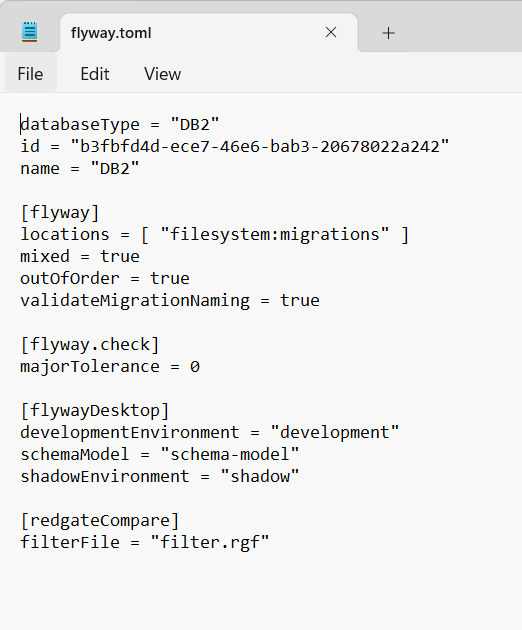
Result
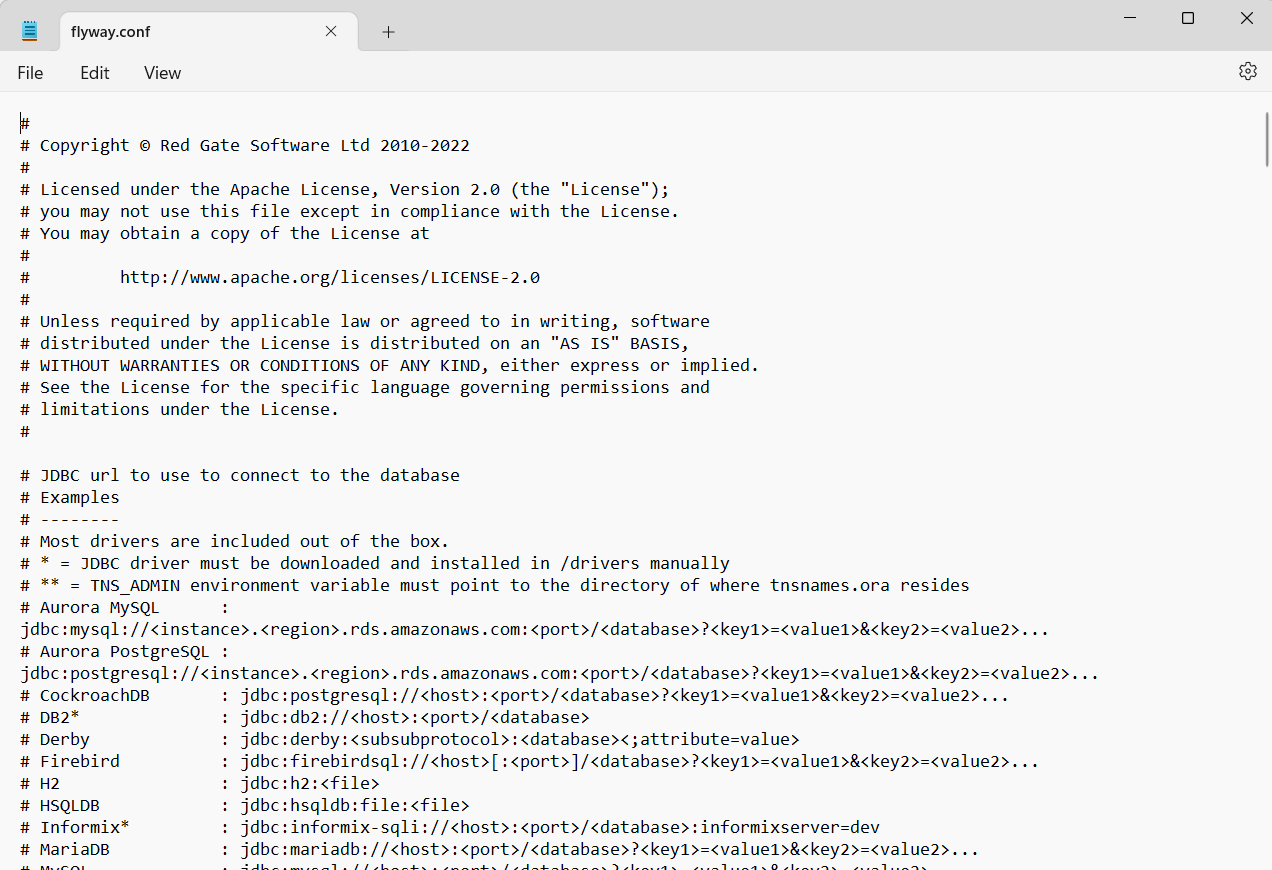
Whatever option you choose, you now have a flyway.toml file within your project folder that contains all of your existing configuration options from the flyway.conf.
Now, learn more about the Flyway Service.
This documentation contains proprietary information and is protected by copyright law.
Copyright © 2026 Red Gate Software Limited. All rights reserved


