Viewing connection information for monitored Identity and Access Management (IAM)
Published 28 October 2026
If you have connection problems when monitoring some of your servers, you can view logged connection errors:
- Go to the Configuration page and under Estate, select Monitored Identity and Access Management (IAM).

- For the IAM service you want to check, click the inline Show log link.
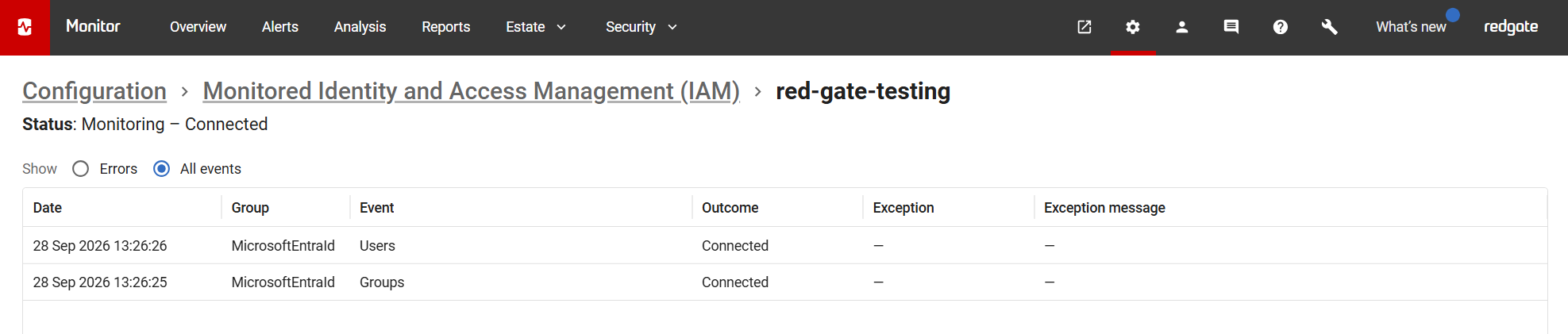
- By default, only recent errors are displayed. Select All events to view all recent connection events for the selected IAM service:
This documentation contains proprietary information and is protected by copyright law.
Copyright © 2026 Red Gate Software Limited. All rights reserved


