- To install Redgate SQL Clone, run the Instant Clone installer MSI.
- SQL Clone is installed into "%programfiles(x86)%\Red Gate\Instant Clone Preview" and as a Start Menu item.
- SQL Clone should be installed on any machine on which you want to do cloning operations: Creating snapshot, cloning snapshots, etc.
- If you want to just use a cloned database, you do not need to install it on that machine.
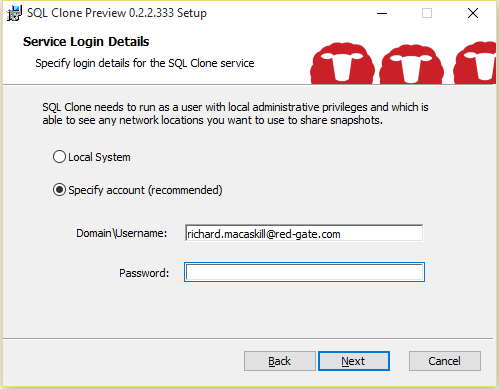
- The installer will prompt you for a service account for the SQL Clone service:
When the installer has completed, the UI will launch (by default), and you can continue by following the Getting Started guide in the Using the UI section.