Scheduling backup jobs > Specify SQL Server > Select backup type and database > Create backup schedules > File settings > Processing and encryption settings > Verification options > Review summary
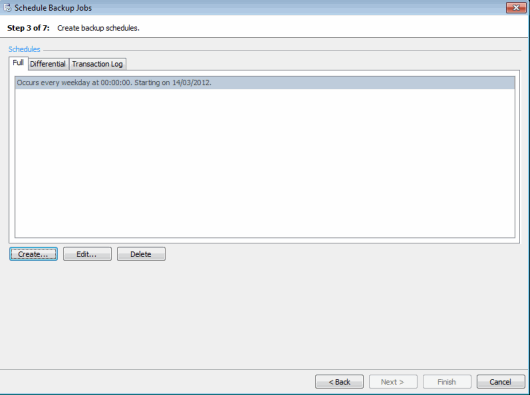
On step 3 of the wizard, specify schedules for each of the backup types you have selected.
Each backup type (full, differential, transaction log or filegroup) must have one or more schedules. The schedules define the time and frequency of the backups. For example, a full backup could have two schedules; one to perform the backups daily, and another to perform them weekly.
To create a schedule, click the tab for the backup type for which you want to create the schedule, and click Create.
The Schedule Editor is displayed for you to define the schedule. Select: