Syncing a license
Published 30 January 2025
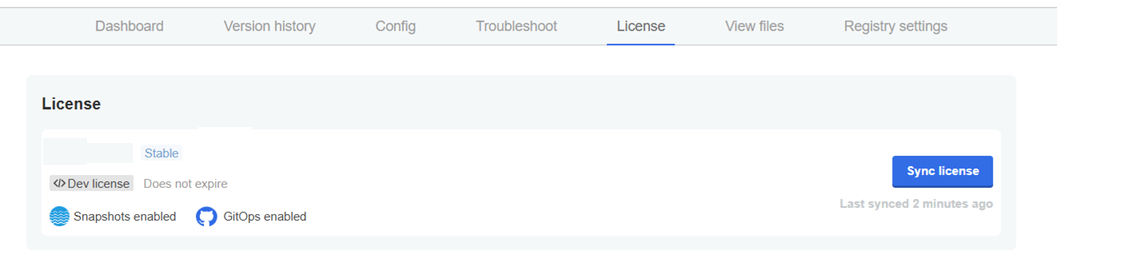
If your license has expired and has been extended, from the dashboard, please go to the License tab in the Admin console and press the Sync license button.
The license is cached and is refreshed every 5 minutes. The new license should appear after the cache is refreshed.
This documentation contains proprietary information and is protected by copyright law.
Copyright © 2026 Red Gate Software Limited. All rights reserved


