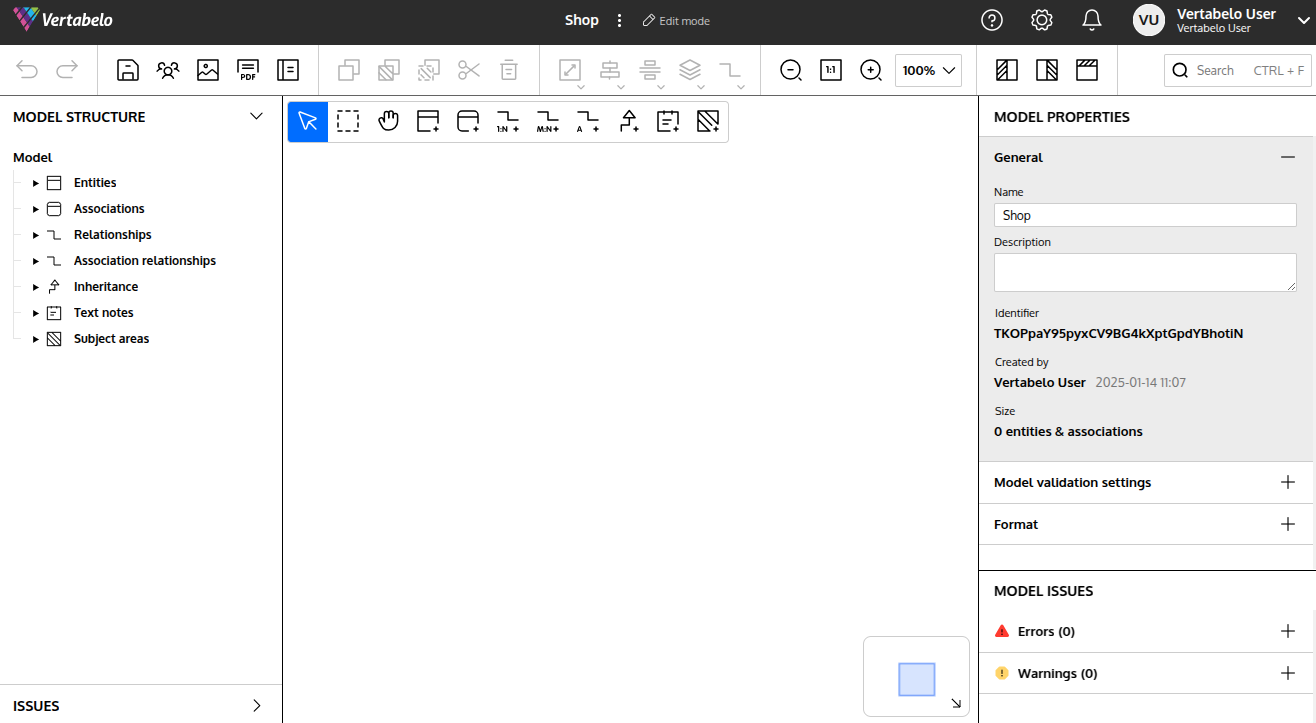
Getting started with logical models
Published 19 August 2025
There are three different levels of data models: conceptual, logical, and physical. Of these, the conceptual model is the most abstract, and the logical model has a few more technical details. The physical model has all the details of the physical database, such as data types (integer, decimal, money, varchar, etc.), constraints, schemas, and indexes. If you want to find out more about the different levels of data models, read our article "What Are Conceptual, Logical, and Physical Data Models?".
Redgate Data Modeler logical diagrams support both conceptual and logical data models; just add as little or as much detail in the logical diagram as you need.
In this article, we will show you step-by-step how to start working with the logical models.
First, go to your drive and click on the Create new document button.
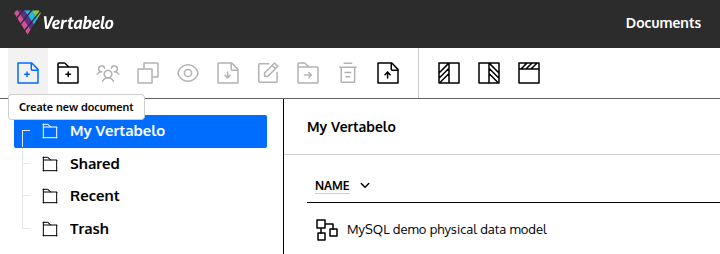
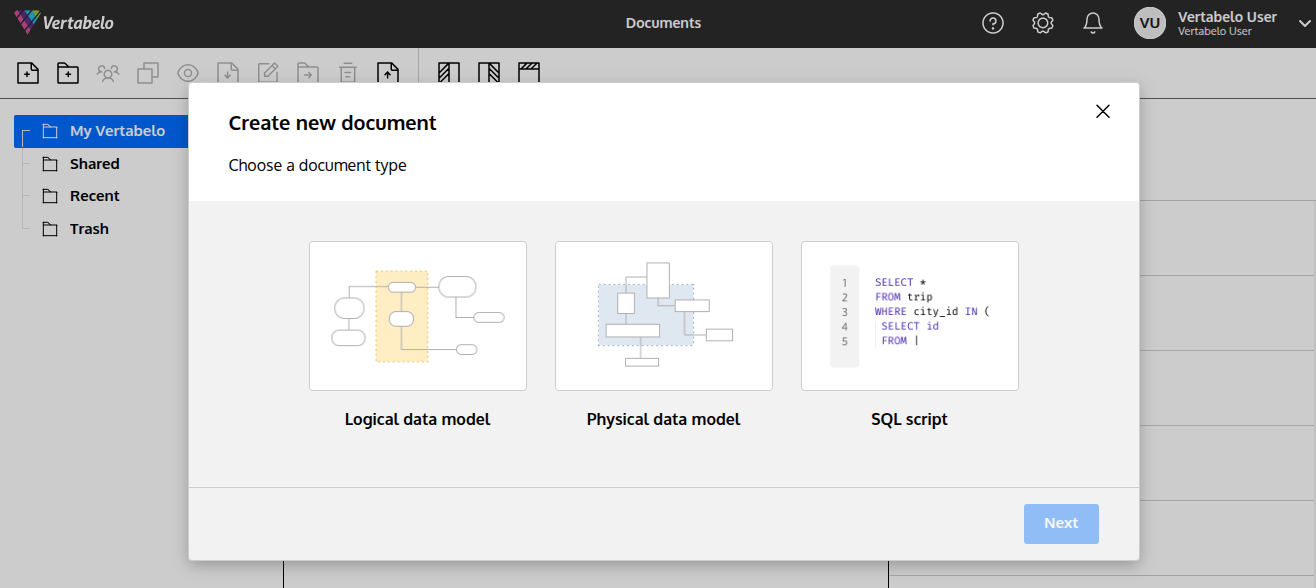
... then click on the Next button in the bottom right corner.
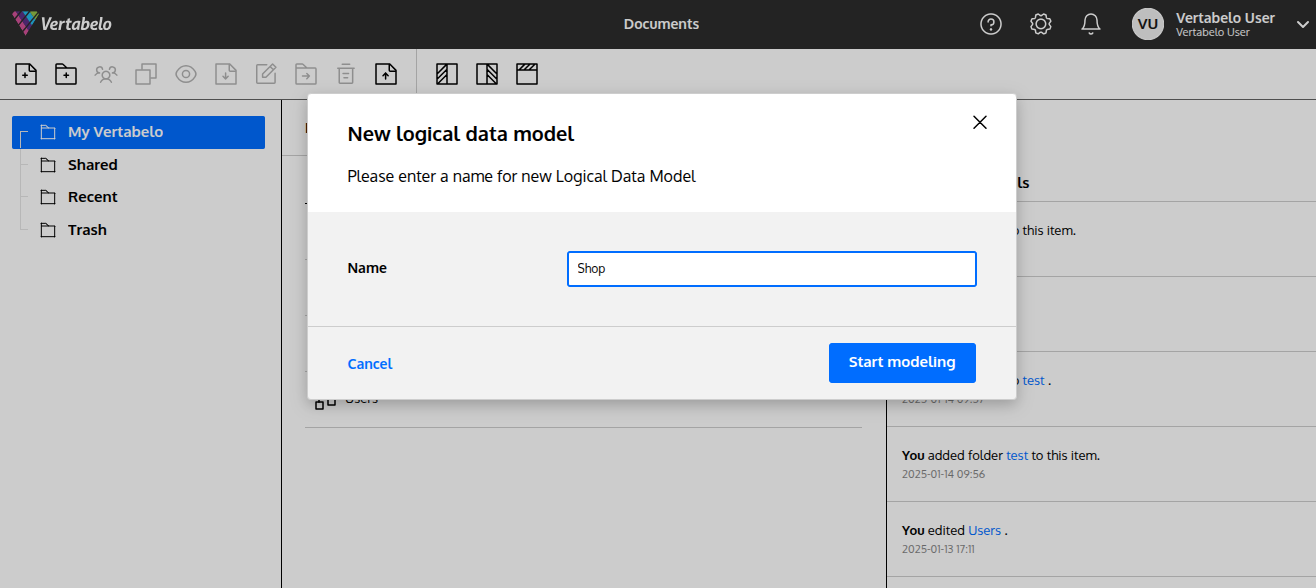
Provide the name, and click on the Start modeling button.
That's it – you're ready to model!