Bulk code analysis
Published 12 April 2021
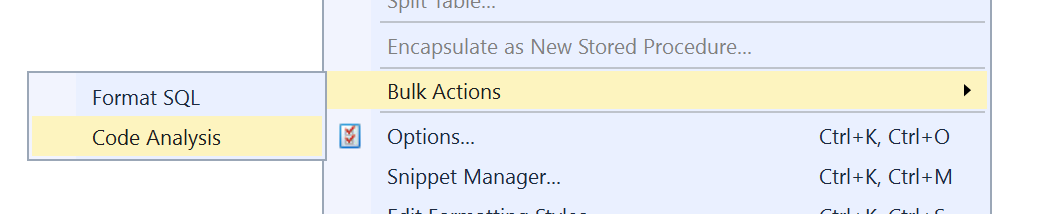
Multiple SQL files in a directory can be analysed using SQL Prompt's code analysis. To do so, open the Bulk Actions menu (SQL Prompt menu → Bulk Actions) and choose "Code Analysis".
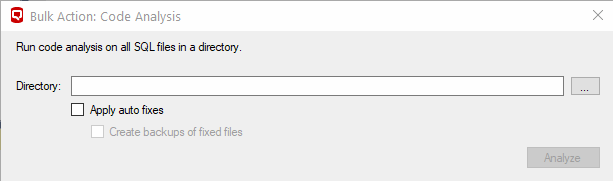
The bulk code analysis dialog will appear. Select a directory to analyze, and press the analyze button. Please note that only a subset of auto fixes are supported.
The progress of the code analysis and any errors are shown:

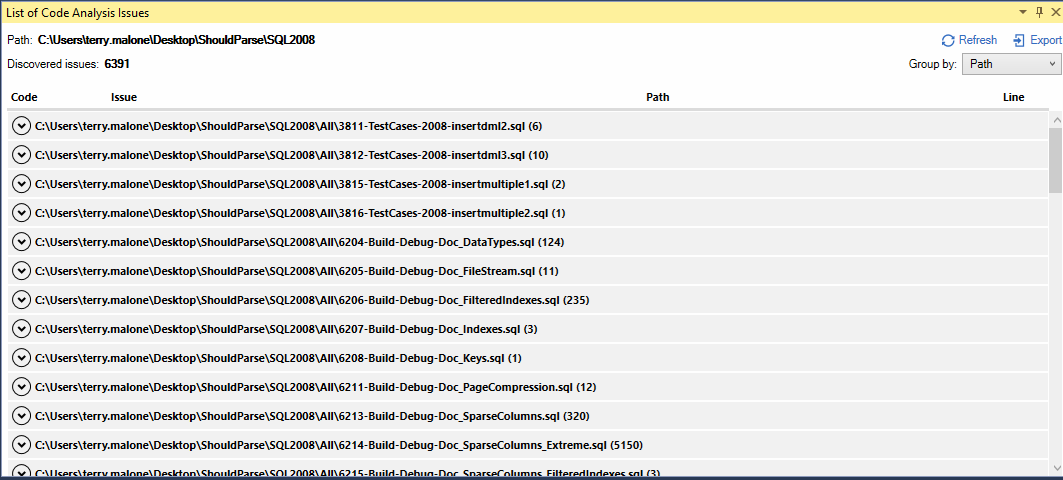
Once the analysis has completed, the code analysis issues list will open showing any issues found:
This documentation contains proprietary information and is protected by copyright law.
Copyright © 2026 Red Gate Software Limited. All rights reserved


