Open in Excel
Published 29 October 2019
Including SSMS query results in emails or report documents is a more time-consuming task than it sounds. Using the built-in Copy with Headers… results in poorly formatted, tab-separated text. Copying the results from the text output mode requires use of a fixed-width font.
Instead, simply highlight the required results (the whole grid, or a subset of adjacent columns), right click and use SQL Prompt's Open in Excel to copy grid results into an Excel document, format them as required, and then either send the Excel document, or copy and paste from there into the mail, or any other document.
Configuring Open In Excel
Open SQL Prompt Options > Query Results and you can configure its behavior:
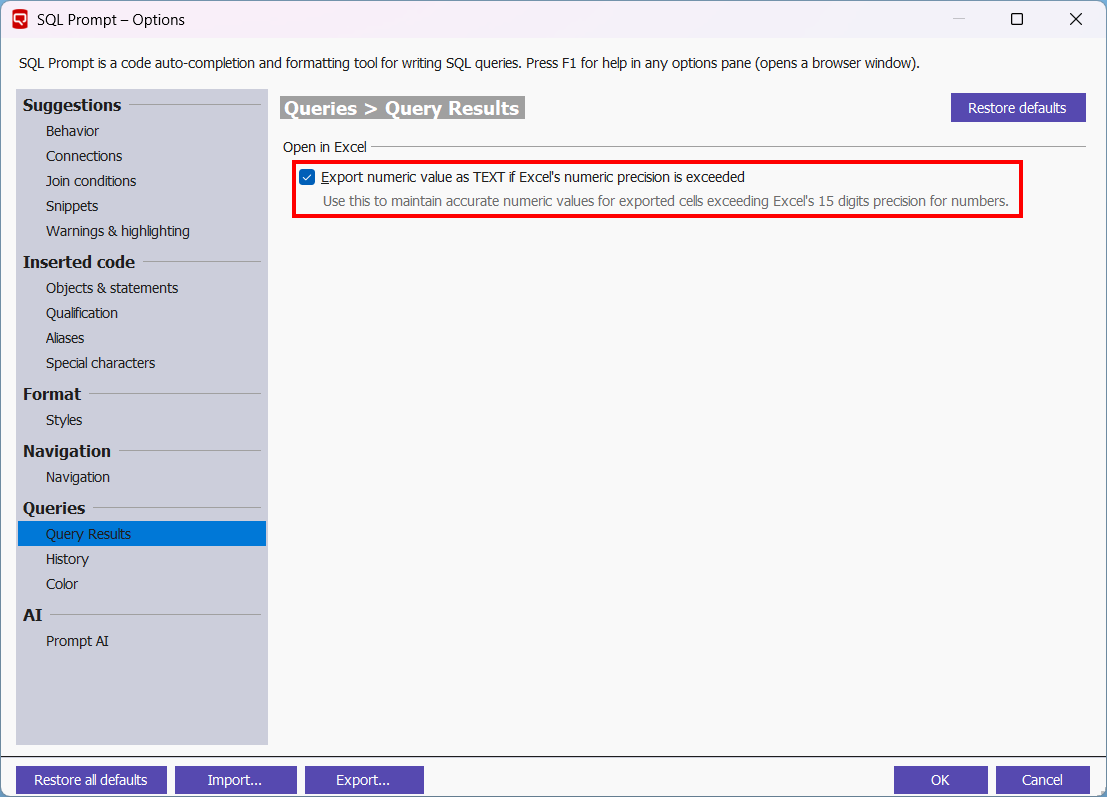
- Export numeric value as TEXT if Excel's numeric precision is exceeded - Use this to maintain accurate numeric values for exported cells exceeding Excel's 15 digits precision for numbers.
This documentation contains proprietary information and is protected by copyright law.
Copyright © 2026 Red Gate Software Limited. All rights reserved


