SQL files
Published 27 August 2025
Storing SQL files in Redgate Data Modeler
There are two ways: either you can upload a .sql file or you can save it from the model.
Uploading SQL file
Open your drive, and click on the Upload SQL scripts button.
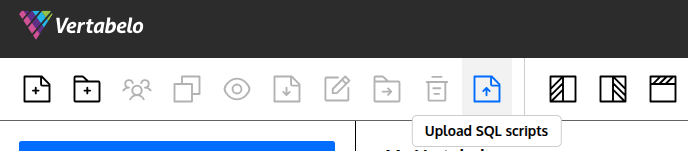
Select the file from your device. Remember that you can drag and drop the file onto the Choose file button.
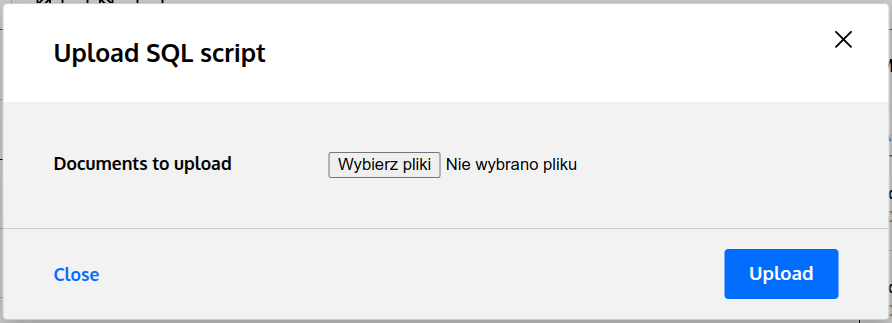
Saving from the model
When you're happy with your model, and you want to save it, click on the SQL file icon, and click on the GENERATE button.
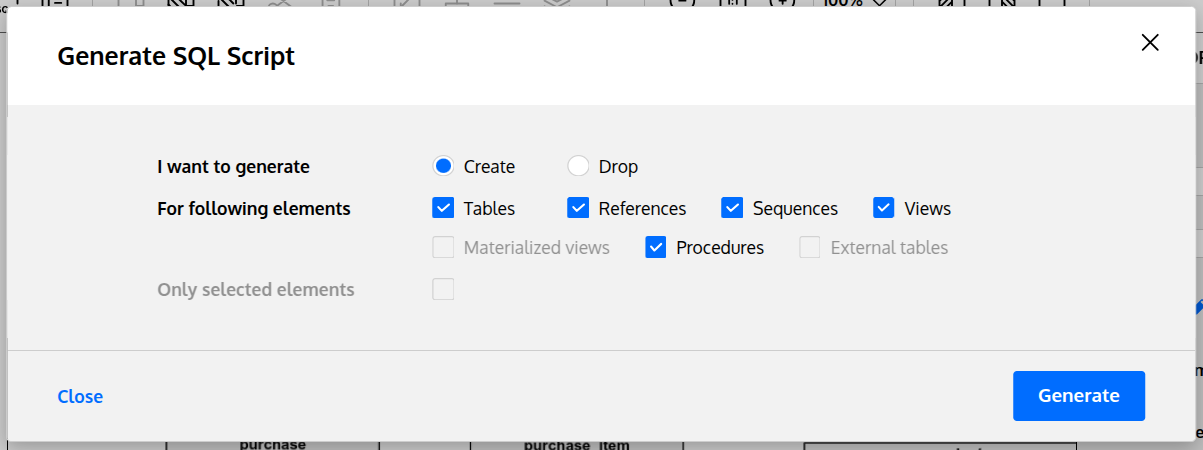
... change the name if you need, and click on the Save button.
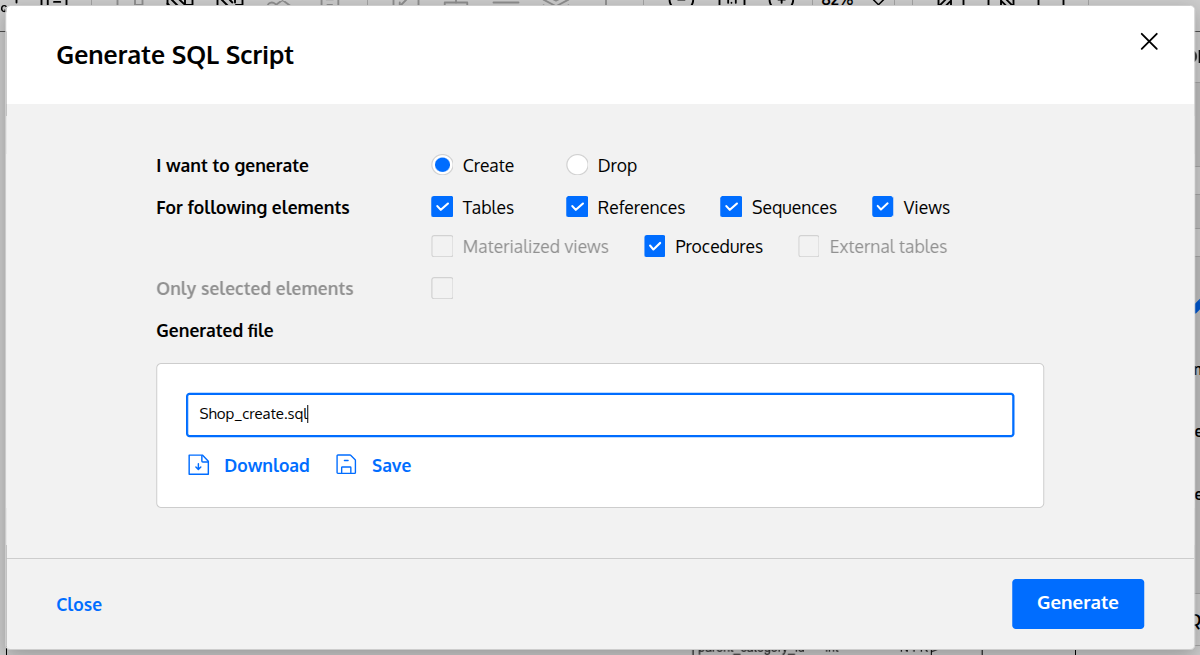
If you choose the same name that has already been used, a new file will be created because versioning of SQL scripts isn't supported.
What you can do with files?
The same things as with the models with the exception of versioning. The following actions are available with your files: share, copy, move, delete, rename, etc.


