Backing up a database on a managed instance
Published 10 December 2025
Backing up a database on a managed instance is not possible when transparent data encryption is enabled. You can disable this using ALTER DATABASE CURRENT SET ENCRYPTION OFF.
- Create a shared access signature token for your storage account
Create a SQL Server Credential on your managed instance using the token from the previous step
CREATE CREDENTIAL [https://<mystorageaccountname>.blob.core.windows.net/<mystorageaccountcontainername>] -- this name must match the container path, start with https and must not contain a trailing forward slash.
WITH IDENTITY='SHARED ACCESS SIGNATURE' -- this is a mandatory string, do not change it.
, SECRET = 'sharedaccesssignature' -- this is the shared access signature token and should not include the leading question mark (?).
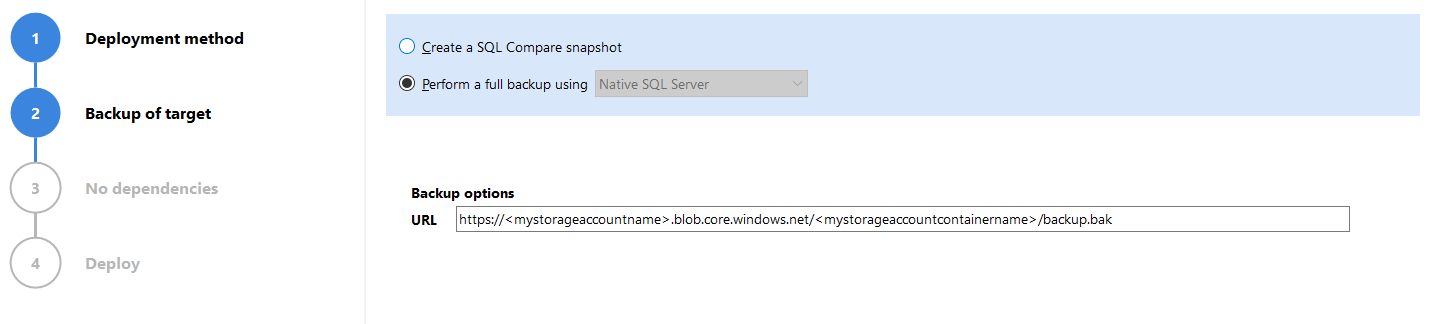
- In the SQL Compare deployment dialog, specify a backup path in the URL text box.