Fix SQL Query with AI
Published 09 October 2025
Contents
Fix selected SQL with AI
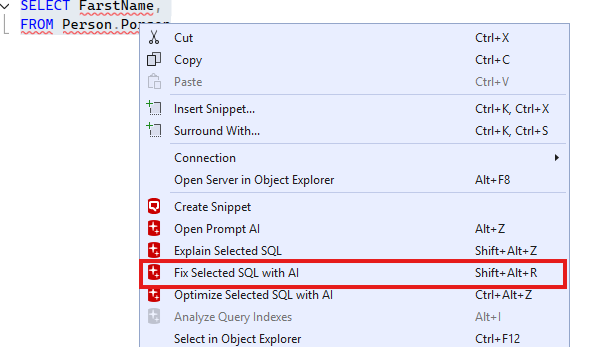
If you have a SQL query that has a syntax or logical error in it you can ask Prompt AI to fix it. First, highlight a portion of SQL that contains an error. Then, right-click the selection and press the "Fix Selected SQL with AI" menu item. Alternatively, you can use the Shift+Alt+R shortcut.
Fix execution errors with AI
We also show a popup whenever there is a syntax error shown at execution time.

This behaviour can be disabled in the Prompt AI Options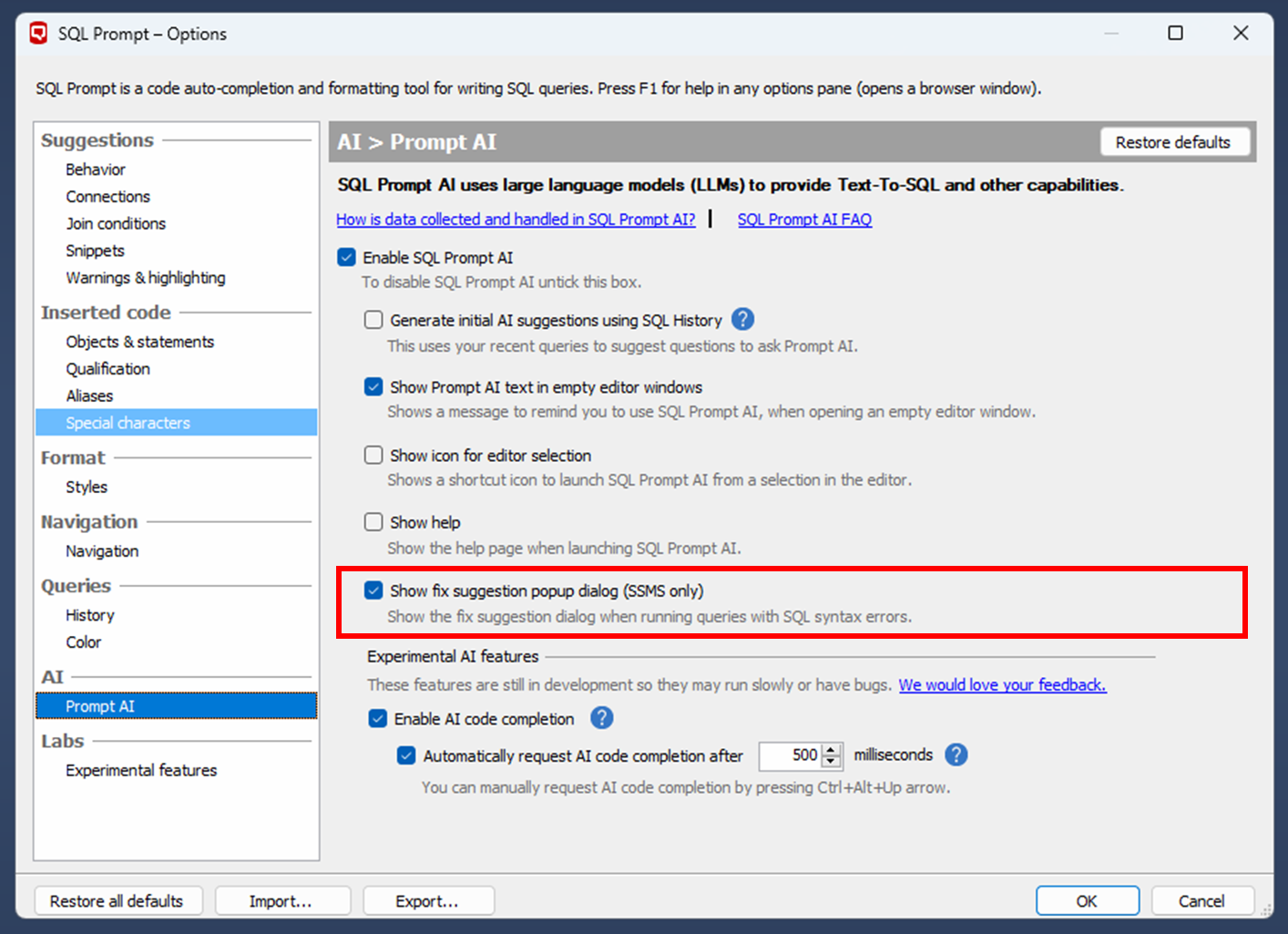
How does Prompt AI fix work?
When you press the fix button, it will open Prompt AI, which will begin fixing your query automatically.
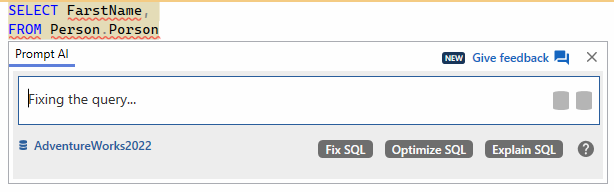
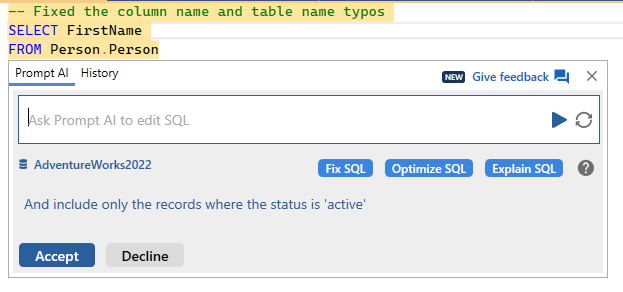
When it is done, your query will be fixed with appropriate comments highlighting what it did.
This documentation contains proprietary information and is protected by copyright law.
Copyright © 2026 Red Gate Software Limited. All rights reserved


