Optimize SQL Query with AI
Published 09 October 2025
Contents
Optimize selected SQL with AI
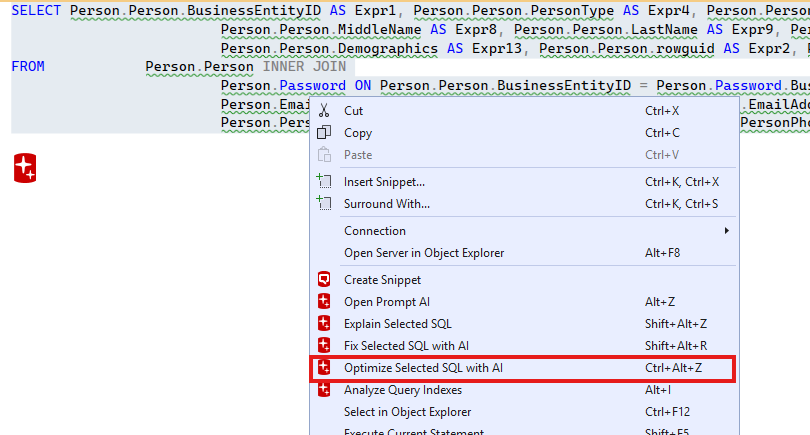
If you are dealing with a slow SQL query that needs to be optimized you can ask Prompt AI to do it for you. First, highlight a portion of SQL that you would like to optimize. Then, right-click the selection and press the "Optimize Selected SQL with AI" menu item. Alternatively, you can use the Ctrl+Alt+Z shortcut.
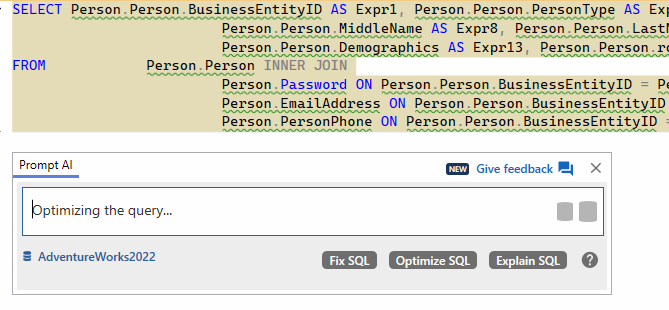
Wait for the AI assistant to finish.
Get you query optimized with appropriate comments.
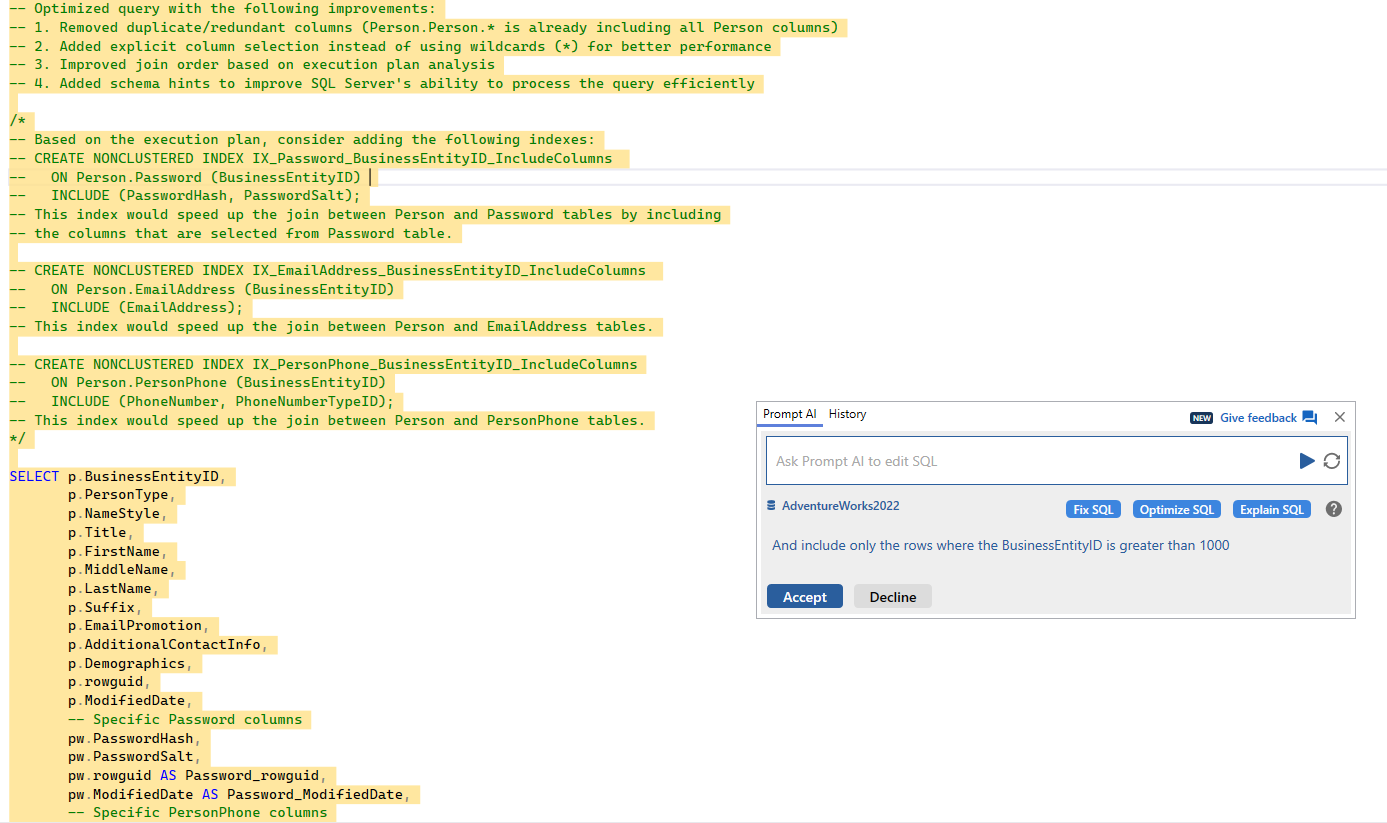
Transformational data operations as comments only
Optimize operations that could lead to destructive and/or transformative – such as index creation – will only be suggested as comments instead of live code that could be accidentally executed.
This documentation contains proprietary information and is protected by copyright law.
Copyright © 2026 Red Gate Software Limited. All rights reserved


