Configuring desired size subsetting
Published 27 November 2025
What is desired size?
- Specify approximately how large you want the target database
- TDM uses statistical sampling
- Representative data across all tables
When to use:
- You need to control infrastructure costs or storage
- You want a general sample of your database
- You don't need specific records
How to configure:
- Select Desired size from the Subsetting option dropdown
- Enter the approximate size you want (e.g.,
5GB,10%,500MB) - Click Save
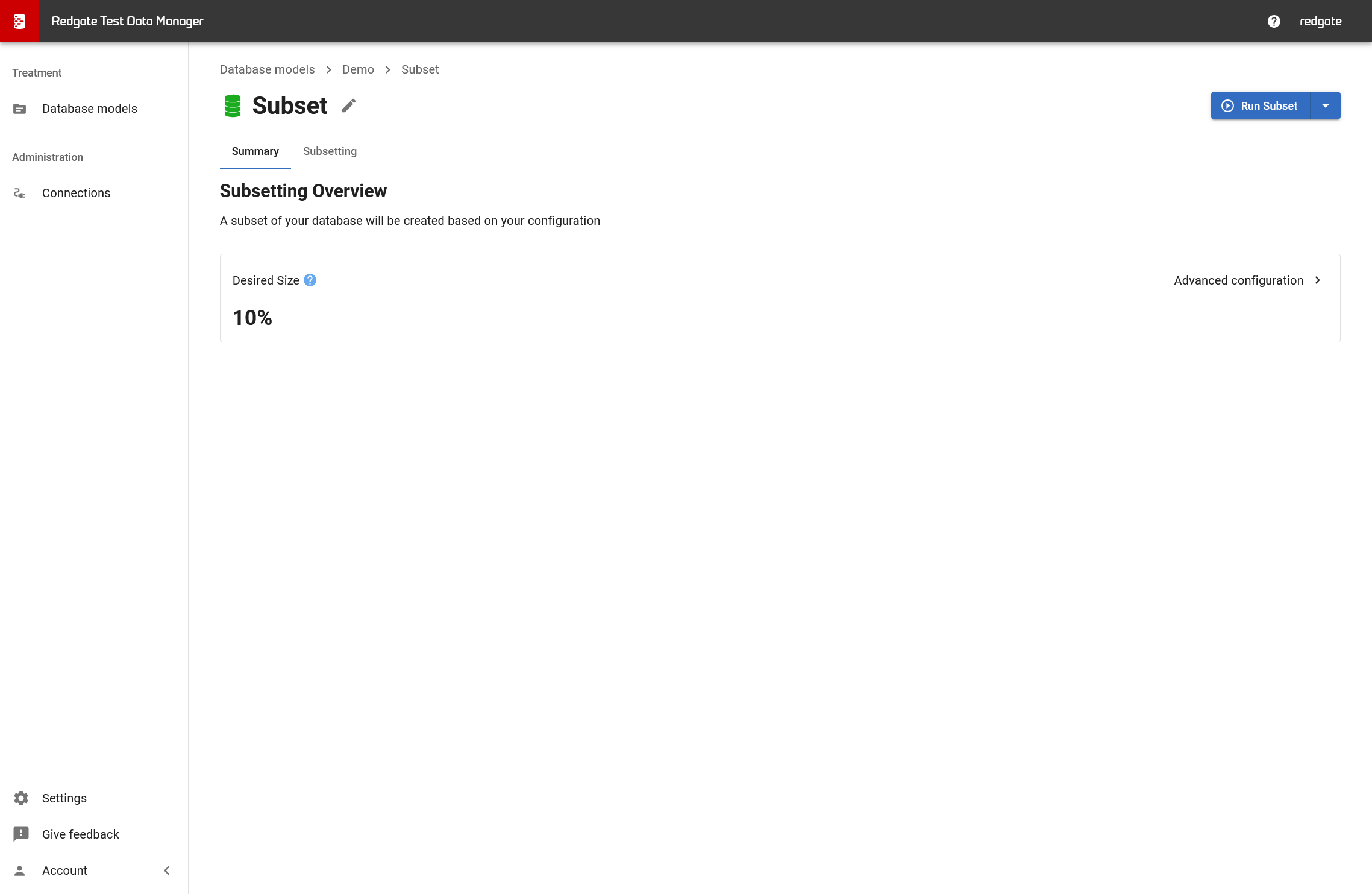
Default behavior: If you don't configure anything, Test Data Manager creates a subset that is 10% of the source database (up to a maximum of 1GB).
Next steps
- Once configured, you're ready to run
- → Running a subsetting treatment
Related pages
← Back to Creating a subsetting treatment
→ Alternative: Configuring starting tables subsetting
→ Running a subsetting treatment
This documentation contains proprietary information and is protected by copyright law.
Copyright © 2026 Red Gate Software Limited. All rights reserved


