These pages cover SQL Clone 1, which is not the latest version. Help for other versions is also available.

You only need to install one copy of SQL Clone Server, however many servers you want to perform SQL Clone operations on. SQL Clone Server is a web app, so it must be installed on a machine that is visible from everywhere you want to use SQL Clone.
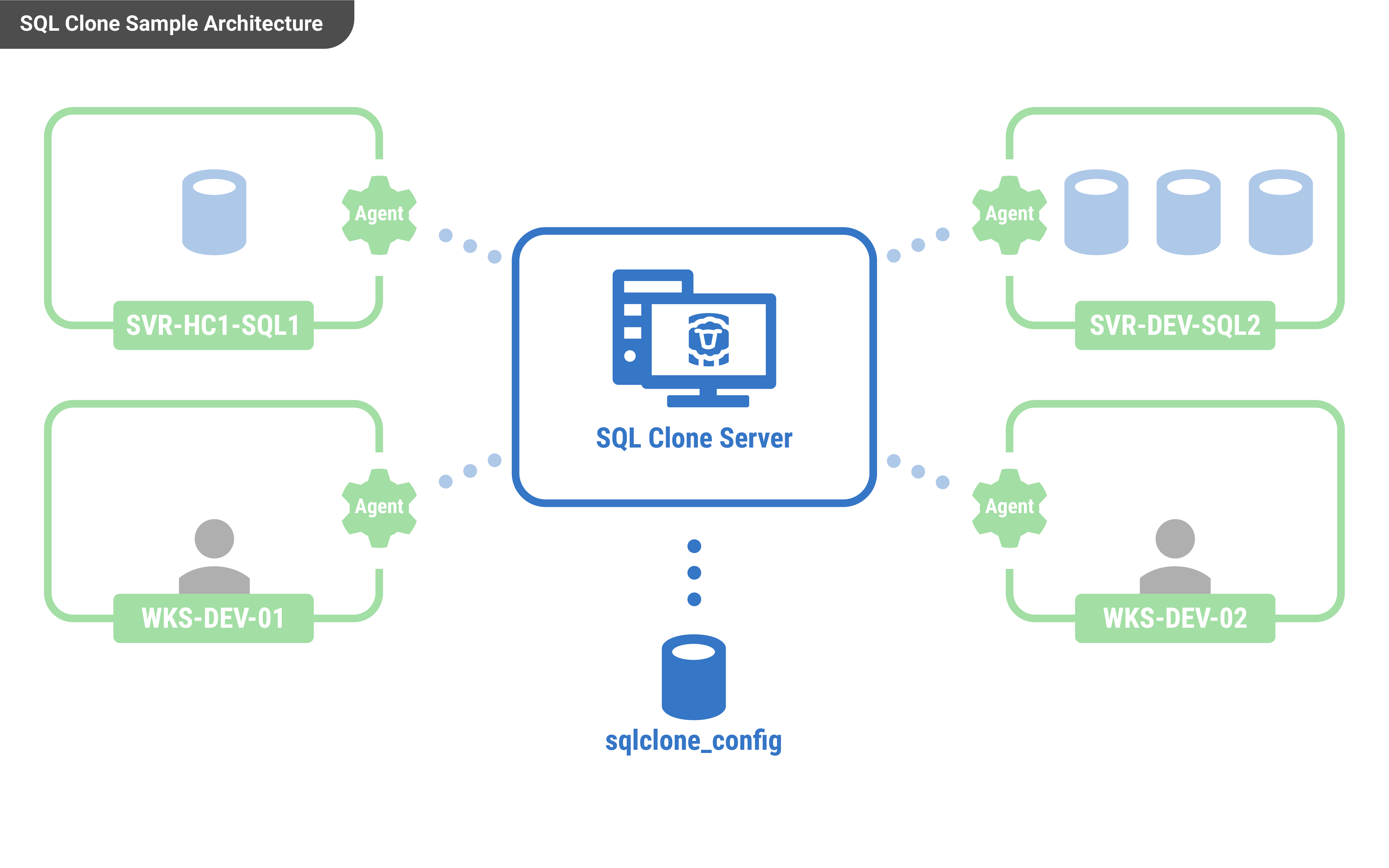
After running the installer, a setup utility runs to configure SQL Clone Server:
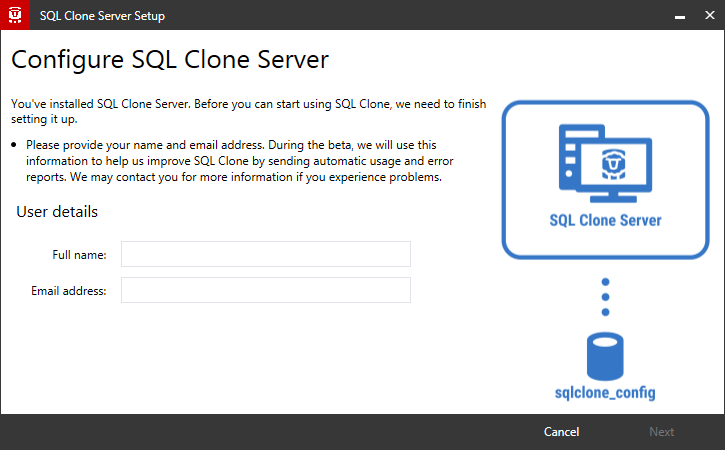
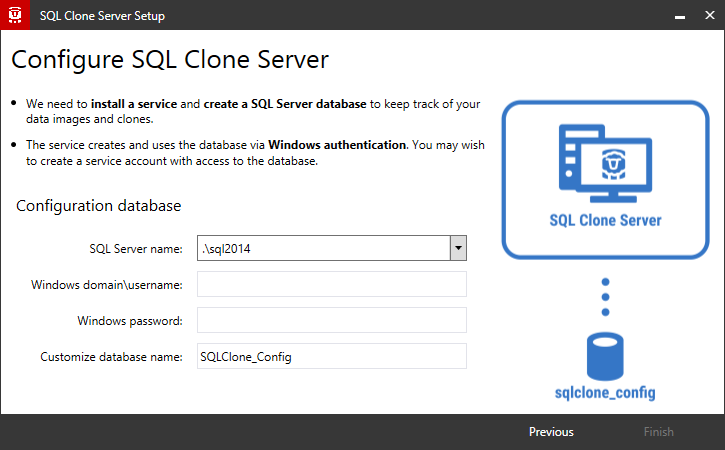
This will configure and start the server. The server's web app uses Windows authentication, so log in with your Windows credentials.
The URL will be of the form: http://machine-name:14145. On this machine there'll be a start menu shortcut, but you'll need to share the link with other users who want to access the web app from other devices.
Troubleshooting the install
- "An existing connection was forcibly closed by the remote host" error
- "Could not load file or assembly 'RedGate.SqlClone.Unmanaged.dll' or one of its dependencies" error
- Agent communication problems during install configuration
- Could not execute "...VCRedist2015": Installation error 1 when running
- Error 1603 Service ... could not be installed. Verify that you have sufficient privileges to install system services.
- Error 1923. Service ... could not be installed. Verify that you have sufficient privileges to install system services.
- Problems during configuration wizard
- Printed by Atlassian Confluence 8.5.31