Tutorial - Disable a migration so it is never run
Published 22 September 2025
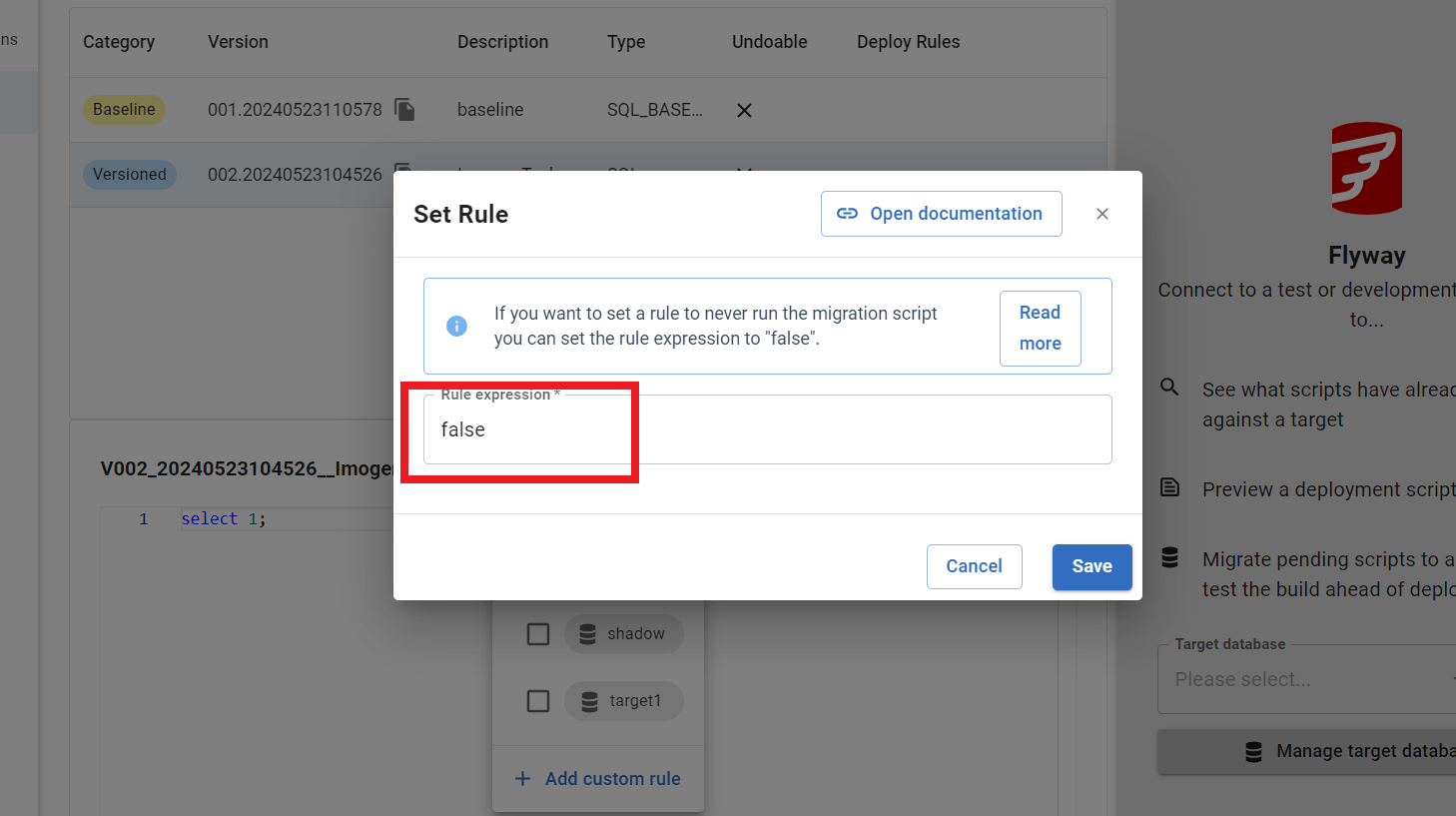
- In the Migrations view, add/edit the custom rule and enter 'false' in the Rule expression box
- Create a script configuration file next to your migration script, matching this naming pattern: <migration>.sql.conf
- Set the shouldExecute parameter to false in this file
shouldExecute=false
This documentation contains proprietary information and is protected by copyright law.
Copyright © 2026 Red Gate Software Limited. All rights reserved


