Managing cloud services
Published 09 February 2026
Redgate Monitor supports retrieving extra information from Cloud Providers to augment information it gathers itself. To get this information you need to provide access keys that Monitor can use.
Creating Keys in the Cloud provider
It is possible to use an existing key so long as it has the correct permissions
Adding to Redgate Monitor
Navigate to the Configuration page, and in the Estate section, select Cloud service credentials.
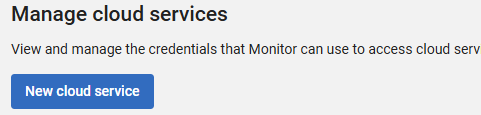
Select New cloud service
If you have multiple Base Monitors, select the base monitor you wish to give the key to.
The added key applies to a specific Base Monitor, so it can only retrieve details for the Cloud Resources it directly monitors. We recommend adding the access key to every Base Monitor that manages a resource within that cloud provider
Select the cloud provider you wish to connect to, then fill in the details from your key.
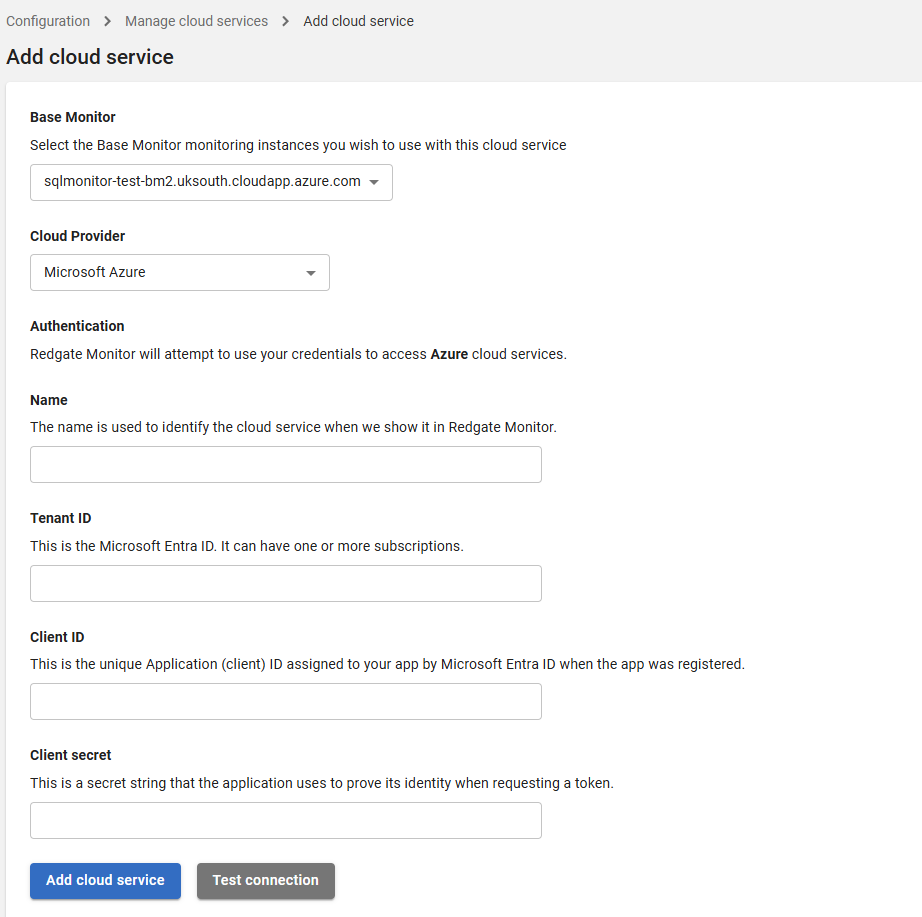
Click Test connection, and if all is good click Add cloud service
This documentation contains proprietary information and is protected by copyright law.
Copyright © 2026 Red Gate Software Limited. All rights reserved


