Codeview
Published 27 February 2026
What is Code View?
Code View lets you view and edit the masking configuration JSON file directly within Test Data Manager. Instead of editing rules through the graphical interface, you work with the raw configuration file, then save and execute it immediately.
Code View operates on the same configuration as the graphical editor. Changes made in one are reflected in the other.
When to use Code View: Code View is useful when you need to apply bulk updates across multiple rules, work with complex conditional masking logic, implement custom datasets and transformations, or import an existing configuration from another environment (for example, bringing a CLI configuration into the GUI).
Step 1: Open Code View
- Navigate to your anonymization treatment
- Click Code View [or however the toggle/tab is labelled in the UI]
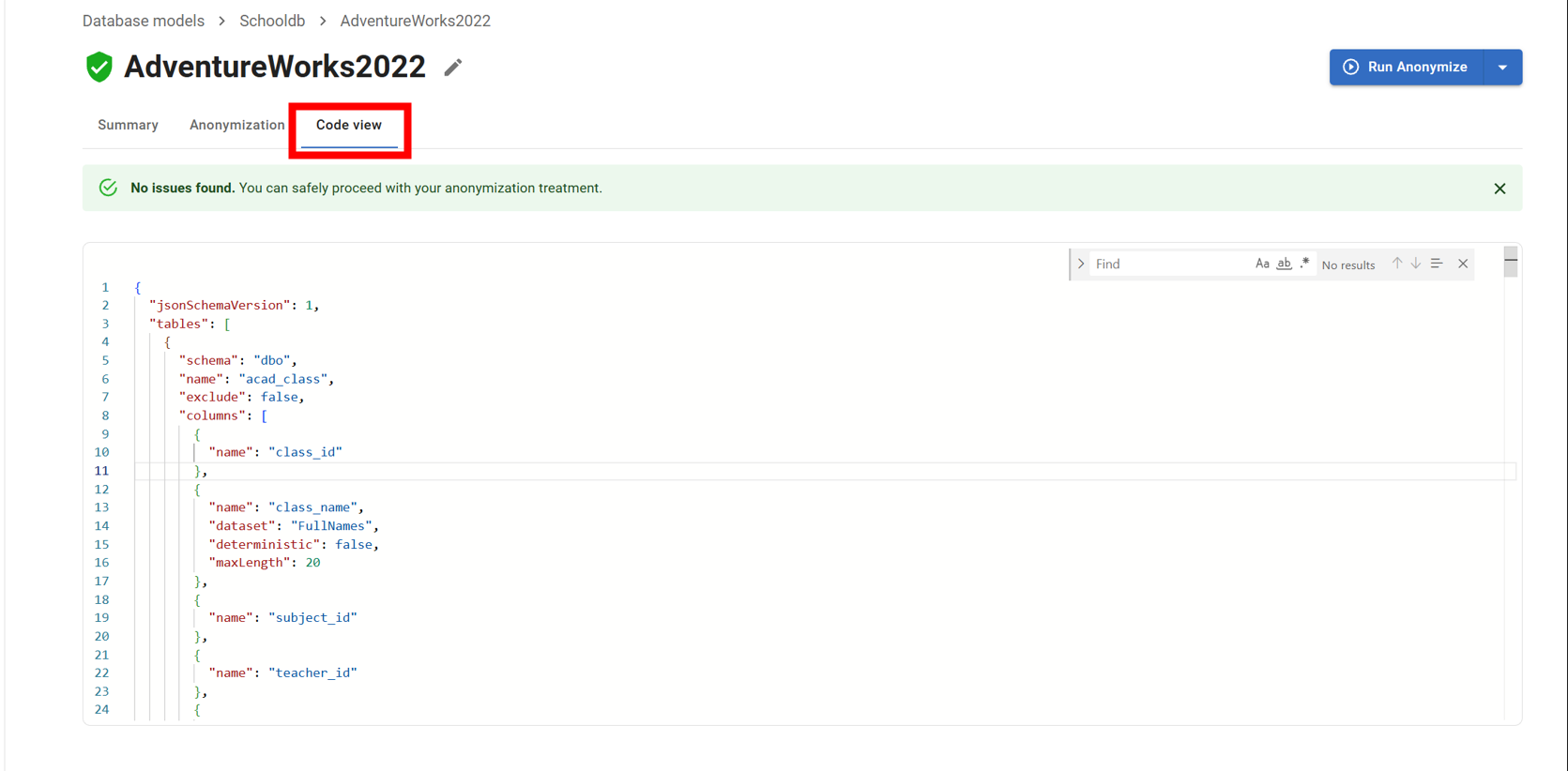
Step 2: Edit the configuration
- The JSON configuration for your treatment is displayed in the editor
- Make your changes directly in the editor
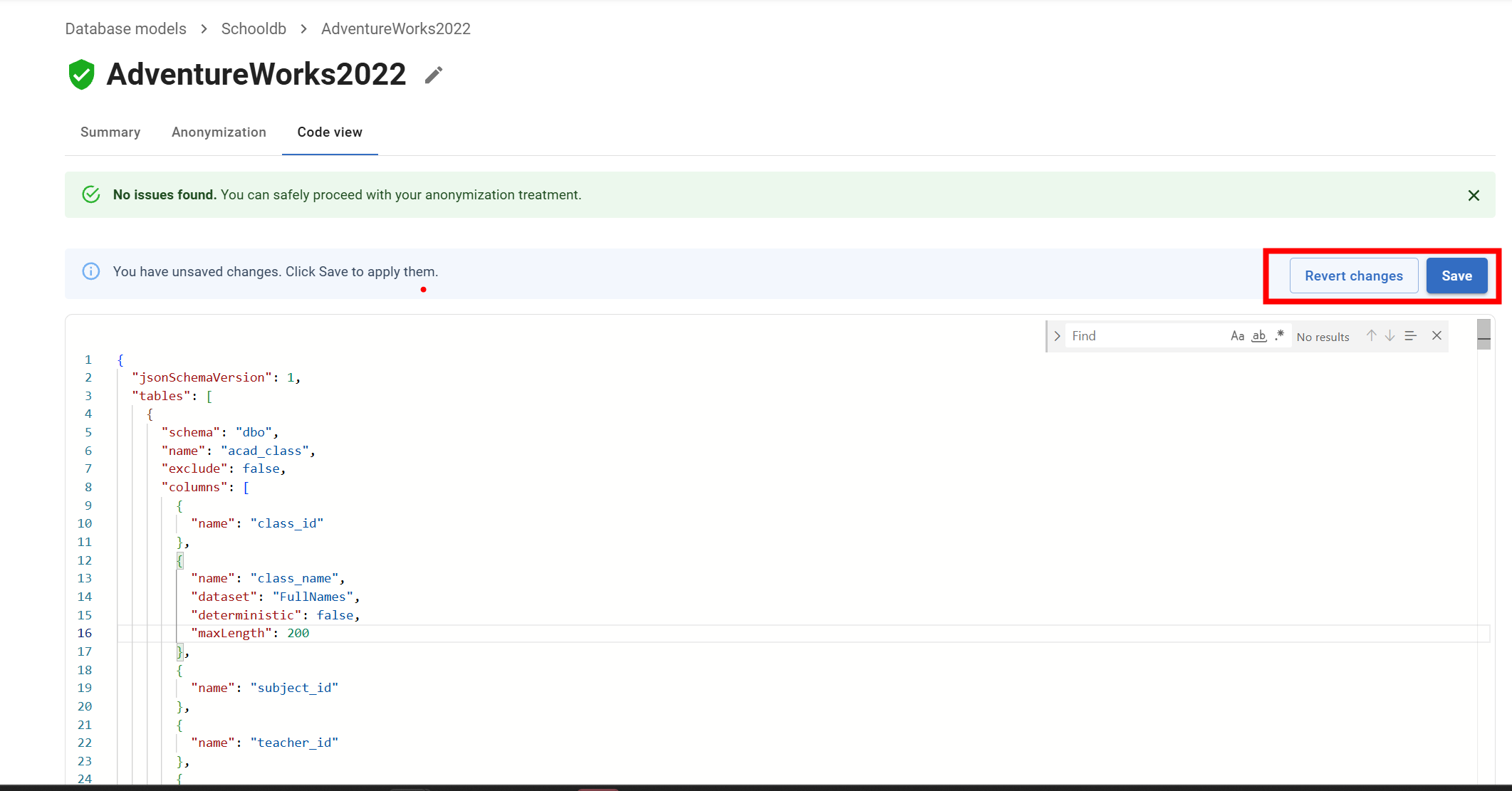
Importing an existing configuration: To bring in a configuration from another environment (such as one created using the CLI), replace the contents of the editor with your existing JSON file. Check that table and column names match your target database schema before saving.
Step 3: Save and run
- Click Save to store your changes
- To execute the treatment, click Run
What cases does it cover?
Code View supports advanced scenarios such as:
Applying bulk updates across multiple rules
Handling complex conditional masking logic ( transform, conditional datasets)
Implementing custom datasets and transformations
- Importing existing masking configurations from other environments ( from CLI to the GUI )
Changes saved in Code View are immediately visible in the graphical editor.
What Happens Next
You can switch back to the graphical editor at any point to verify your changes visually. → Reviewing and Editing Masking Rules → Running an Anonymization Treatment
Related Pages
← Back to Anonymization Treatments Overview → Reviewing and Editing Masking Rules → Download for CLI Use
This documentation contains proprietary information and is protected by copyright law.
Copyright © 2026 Red Gate Software Limited. All rights reserved


